Skip to content

Everything your family keeps, in one private app

Papers, passwords, dates and money for everyone in the family. All of it is locked on your phone or computer before it is saved.
Start free trial

Every app, one at a time

Pick an app to see it. The screens come from the real app, filled in with a made-up sample family.
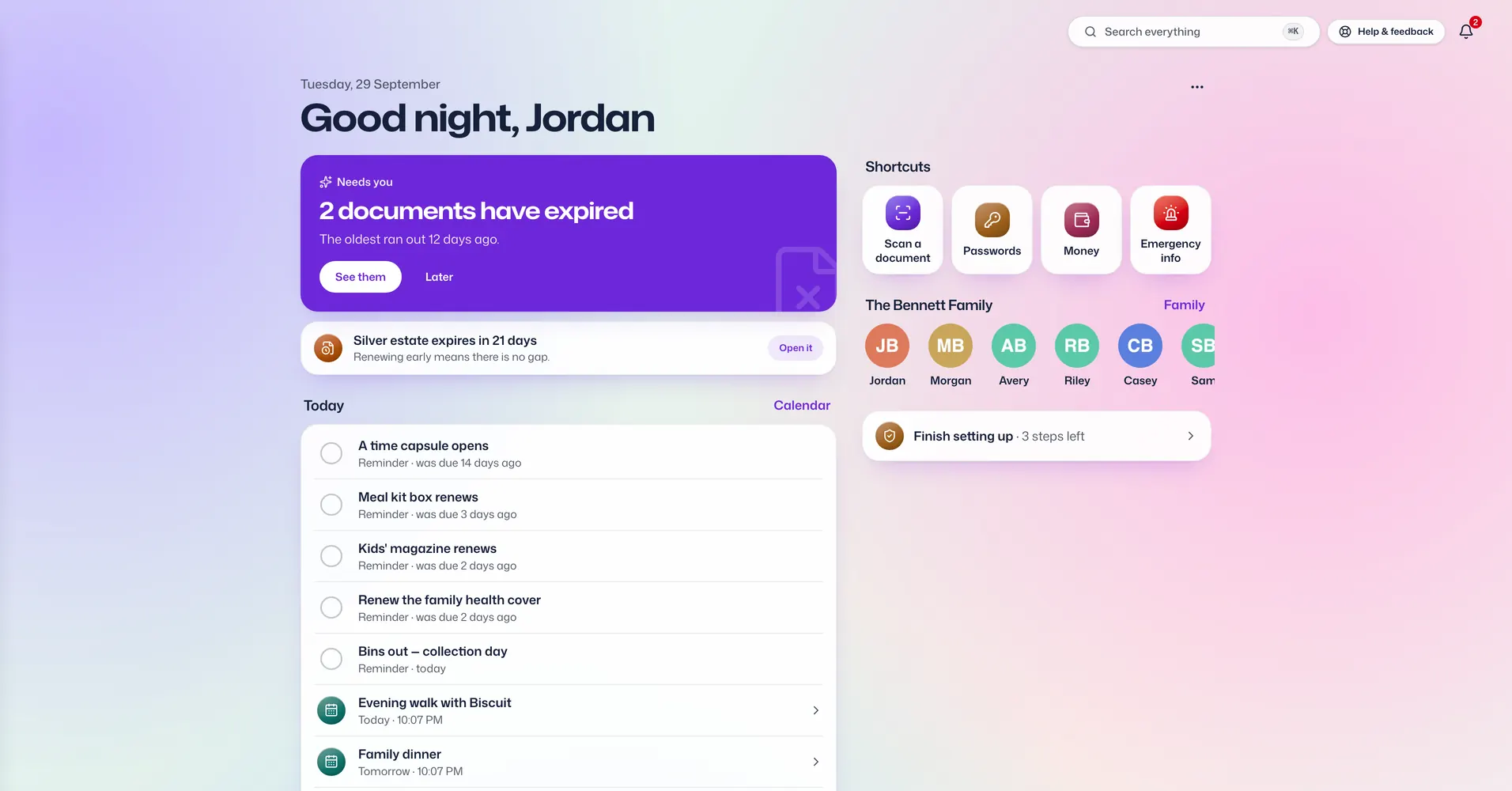
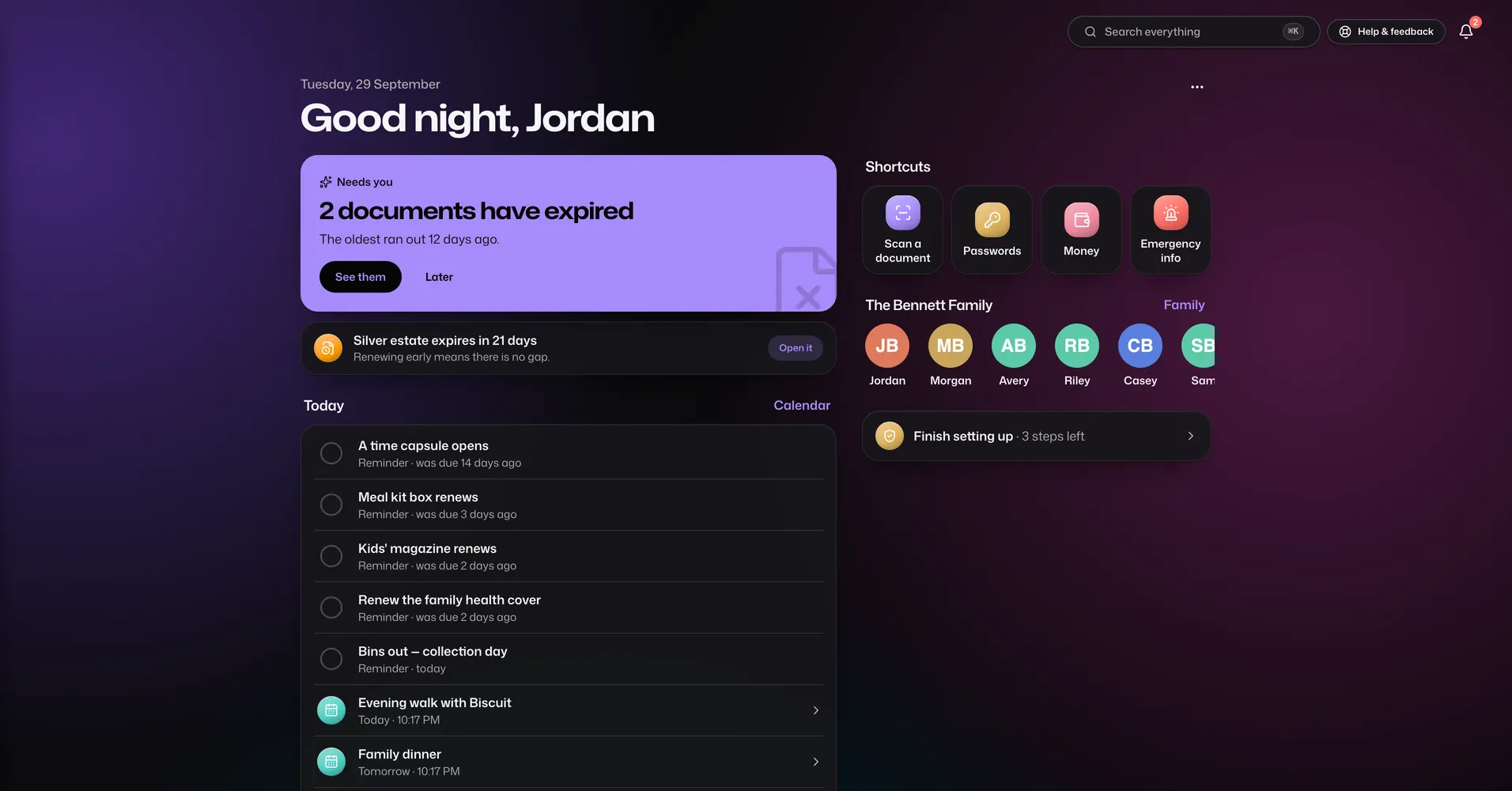
The Dashboard app in Vault For Us, screenshotted from the demo family.

Dashboard. The first screen you see: what is overdue, what is coming up, and a card for each app you use.

What each app does

Some apps come with every plan and some only with the larger ones. Each app below says which.

Papers and passwords

The things you would hate to lose, locked on your device before they are saved.

Documents

Every plan

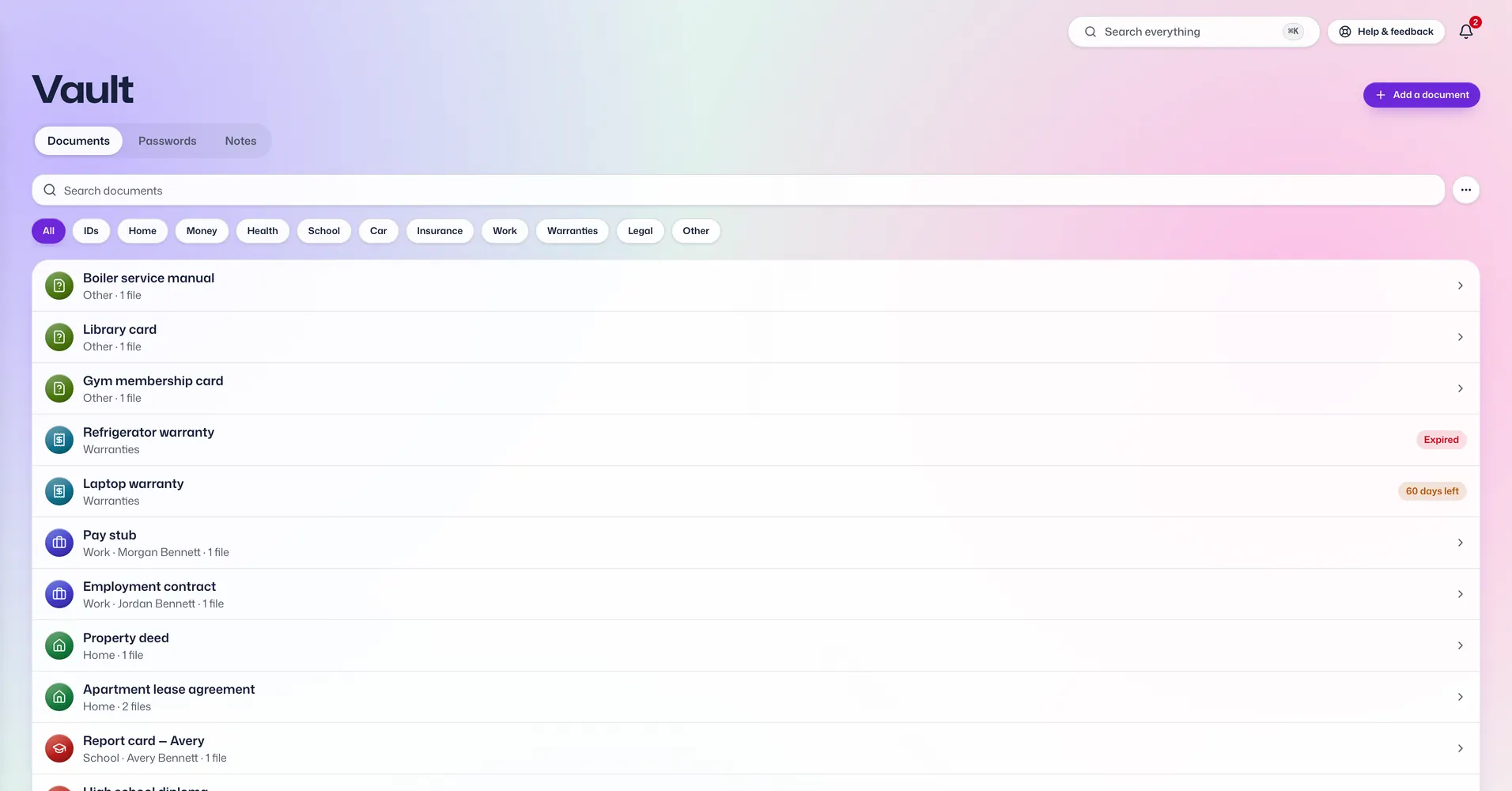
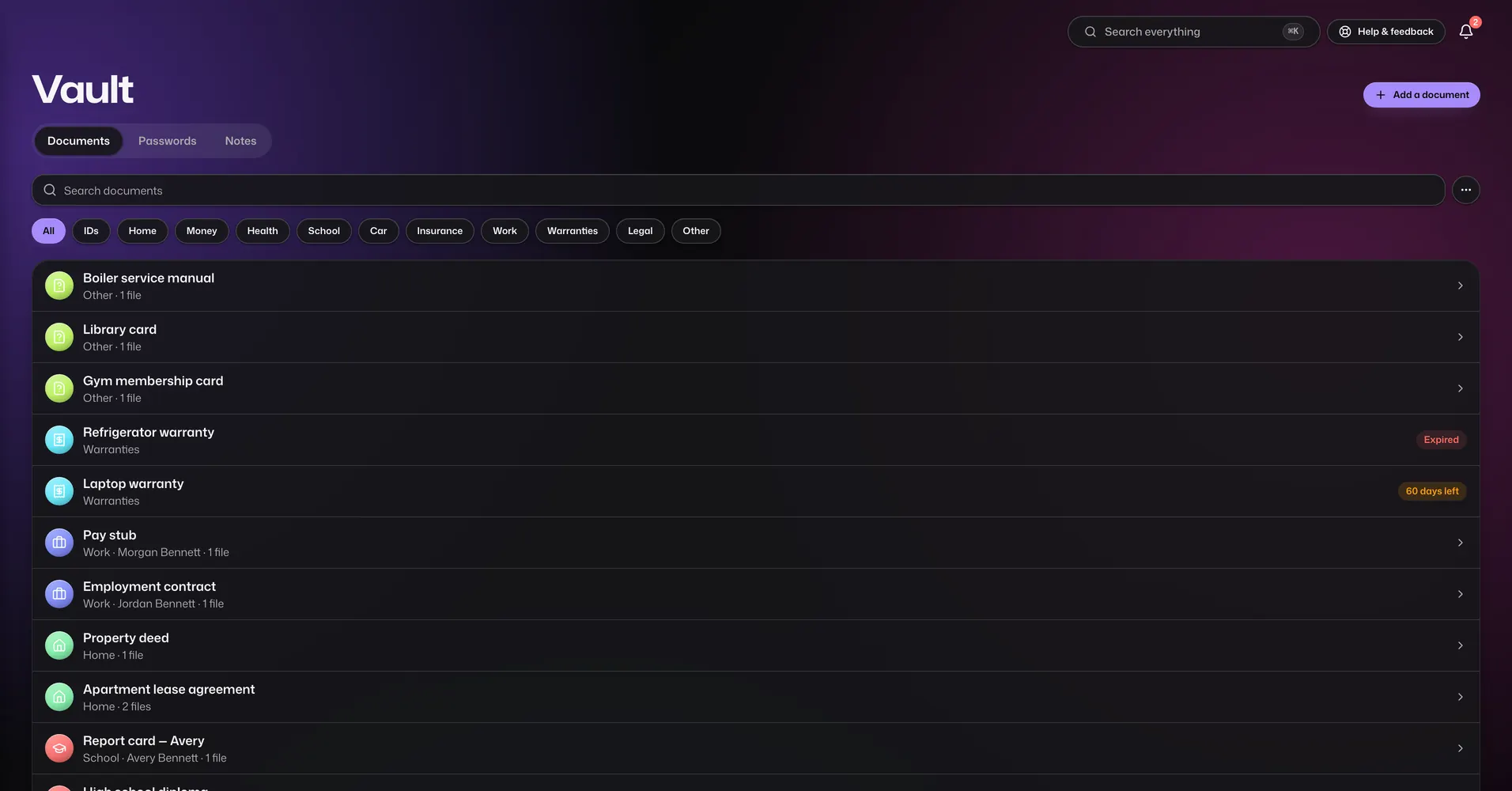
Every paper the family keeps, filed under the person it belongs to.

  • Take a photo with your phone camera, or upload pictures and PDFs.
  • The app reads the text on a scan and fills in numbers and dates for you to check. The reading happens on your own device.
  • Sections for ID, medical, money, insurance, vehicles, education, property, work, warranties, and wills and legal papers. You can add your own document types and extra fields.
  • Expiry and renewal dates turn into reminders, so a passport or policy doesn't run out unnoticed.
  • Add nominees, people to contact and a note for your family to any document.
  • Choose who can open each one.
  • Email a copy to family, or send a private link to someone outside the family.
  • Deleted documents wait in a bin for 30 days before they go for good.
  • Keep new files in your family's own Google Drive if you like. They are still locked before they leave your device.

Passwords

Every plan

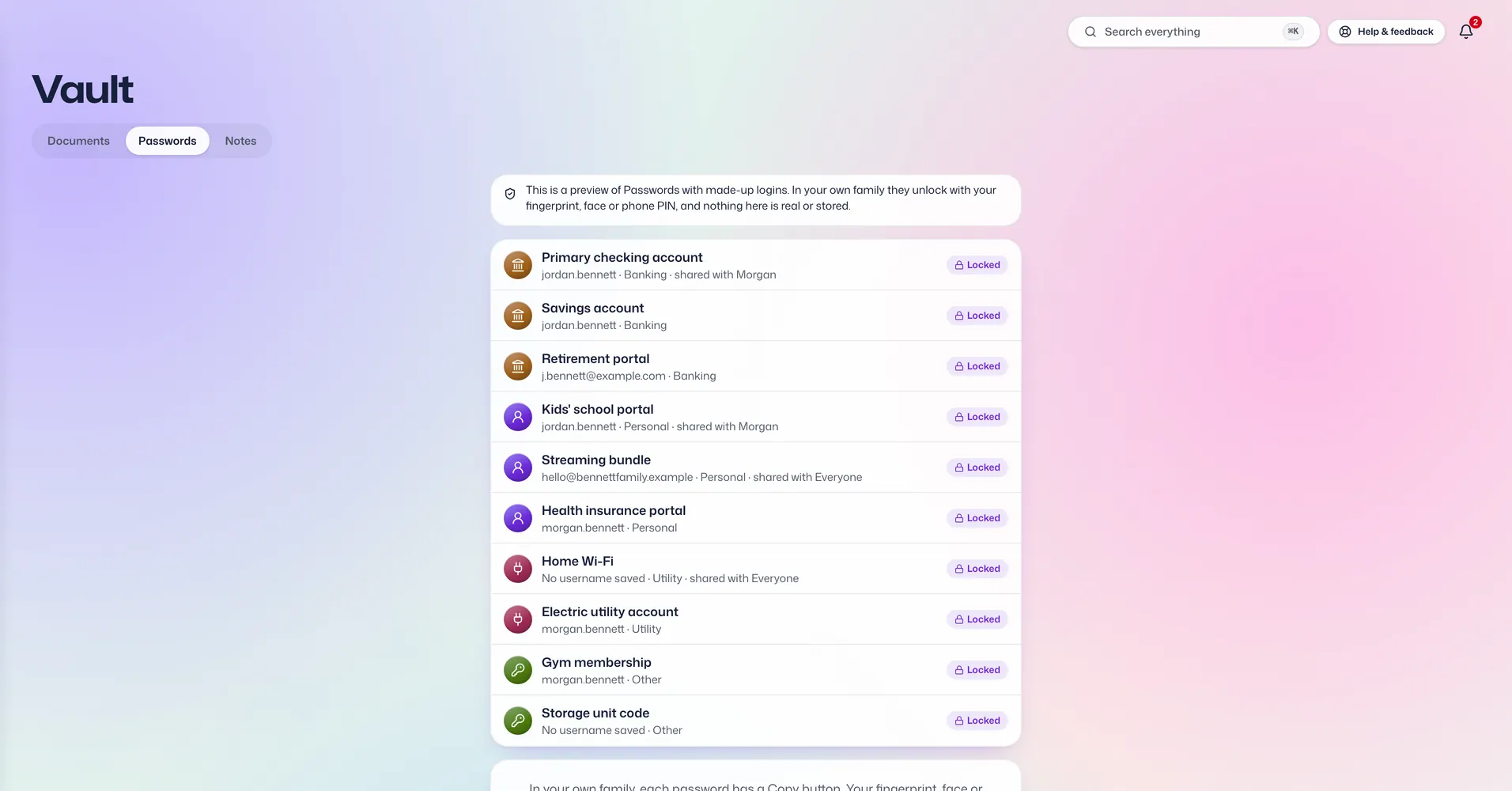
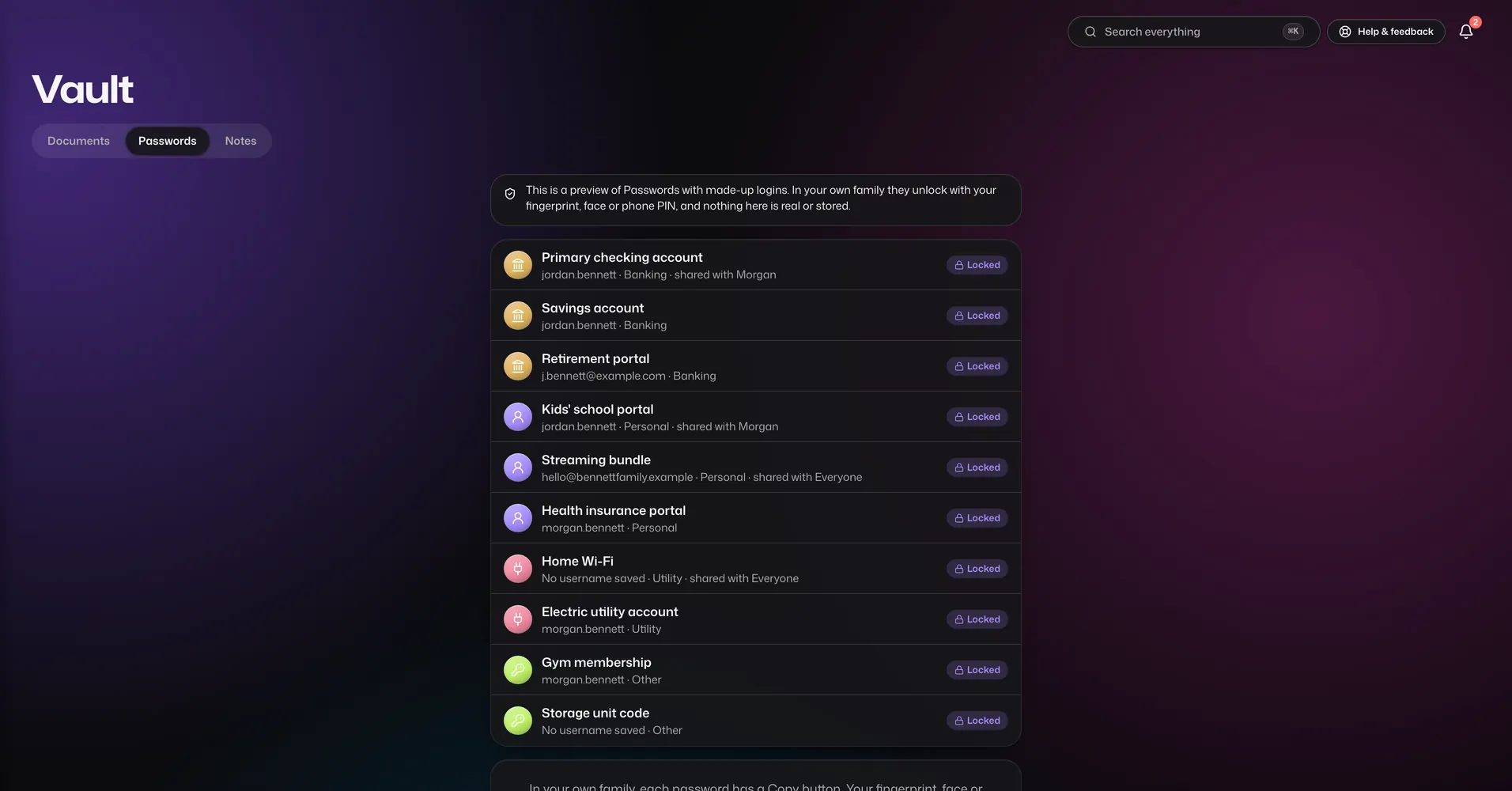
Bank logins, website passwords, cards and ID numbers, behind a second lock.

  • Opens only after a fresh fingerprint, face or phone PIN, and locks again after 90 seconds of not being used.
  • Save website logins, bank accounts with their helpline number, cards, ID details and private notes. Add your own fields and mark the secret ones.
  • Each password is yours alone until you share it with chosen people, to view or to edit.
  • A password maker, and a health check that finds weak and reused passwords.
  • Check a password against lists of leaked passwords. The password itself never leaves your device.
  • Earlier versions of each entry are kept, and deleted entries wait in a bin.
  • Bring your passwords over from a CSV file, 1Password or Bitwarden. The file is read on your device and never uploaded.
  • A copied password is wiped from the clipboard after a short time.
  • Unlimited on every plan. It does not fill in passwords on other websites for you.

Notes

Every plan

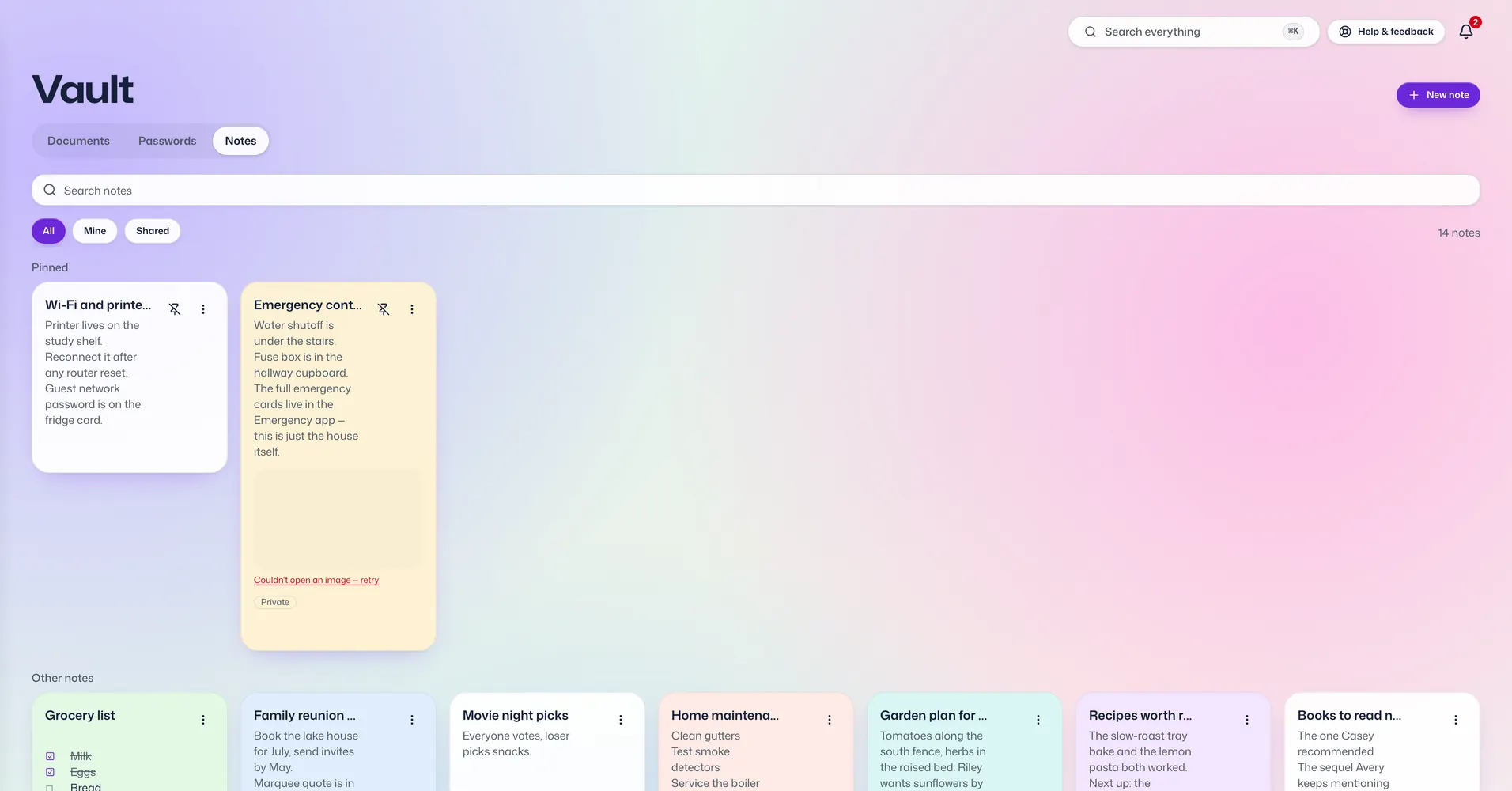
Notes, lists and checklists for the family, or just for you.

  • Headings, lists, links and pictures in any note.
  • Turn a note into a checklist and tick things off.
  • Pin the notes you use most and give others a colour.
  • Keep a note private, or share it with chosen people to read or to edit.
  • Attach files, set a reminder on a note, or email it to family.

Dates and reminders

What is coming up for everyone, and who needs to hear about it.

Dashboard

Every plan

The first screen you see. It shows what needs you today.

  • Today's list: what is overdue, due today and coming soon, from every app.
  • Everyone in the family at the top, one tap from their details.
  • Add cards for the apps you use most. Each device keeps its own choice.
  • On this day: what the family was doing on today's date in past years.
  • Your plan and how much storage is left.

Calendar

Every plan

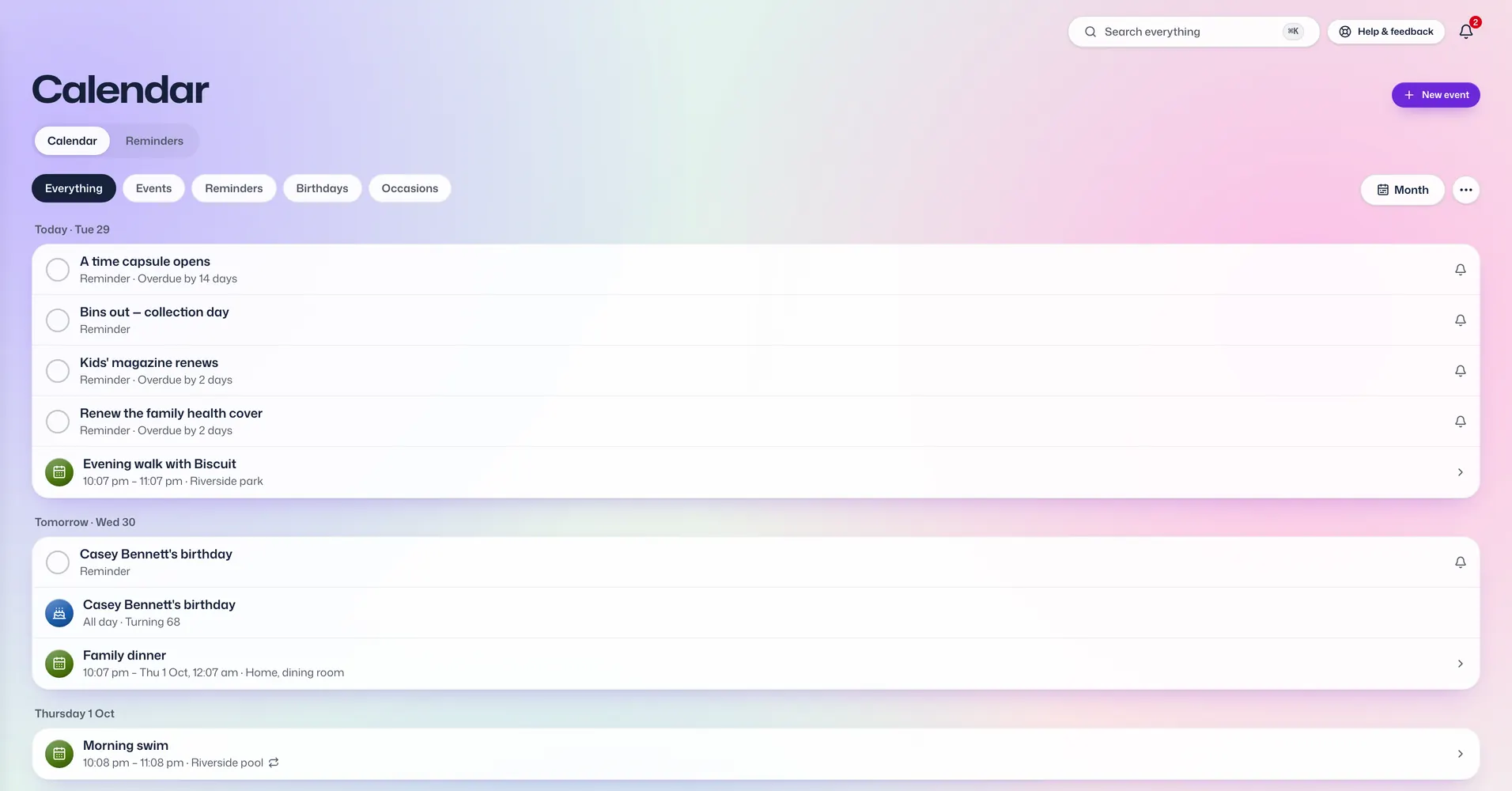
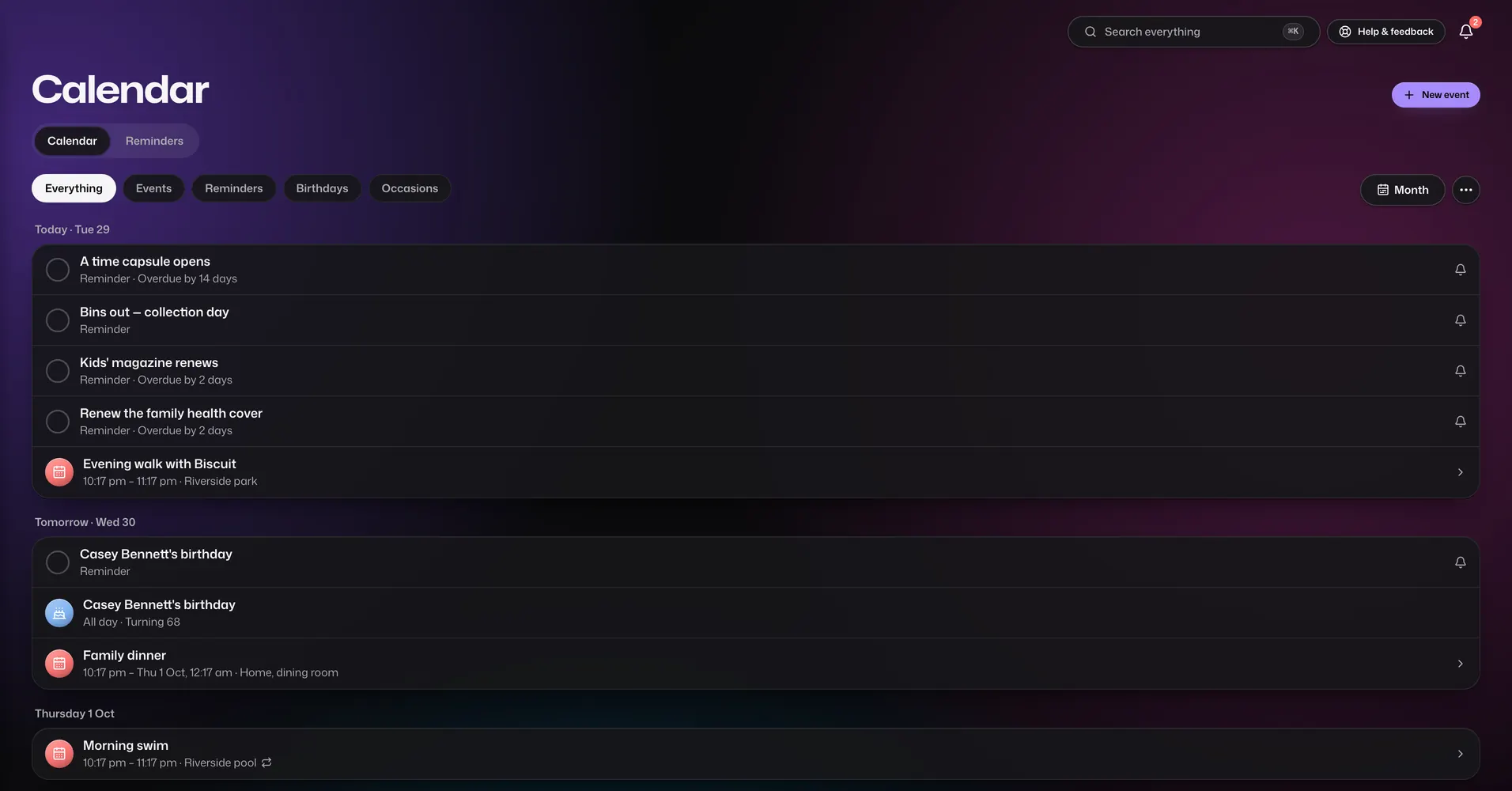
One calendar for everyone's plans.

  • Month, week, day and list views.
  • Events that repeat every day, week, two weeks, month or year.
  • Birthdays appear by themselves once you add them to each person.
  • Make an event visible to the whole family or keep it private, and choose who else can see your private plans.
  • Invite family members to an event. They answer Going, Maybe or Can't in the app.
  • Mark a big day to see a countdown to it.
  • Email an event as a calendar invite, print a month, or download events for another calendar app.
  • On Diamond, two-way sync with your own Apple or Google calendar. You pick which family events go there, and only their titles, times and repeats are sent to Apple or Google, never notes or places.

Reminders

Every plan

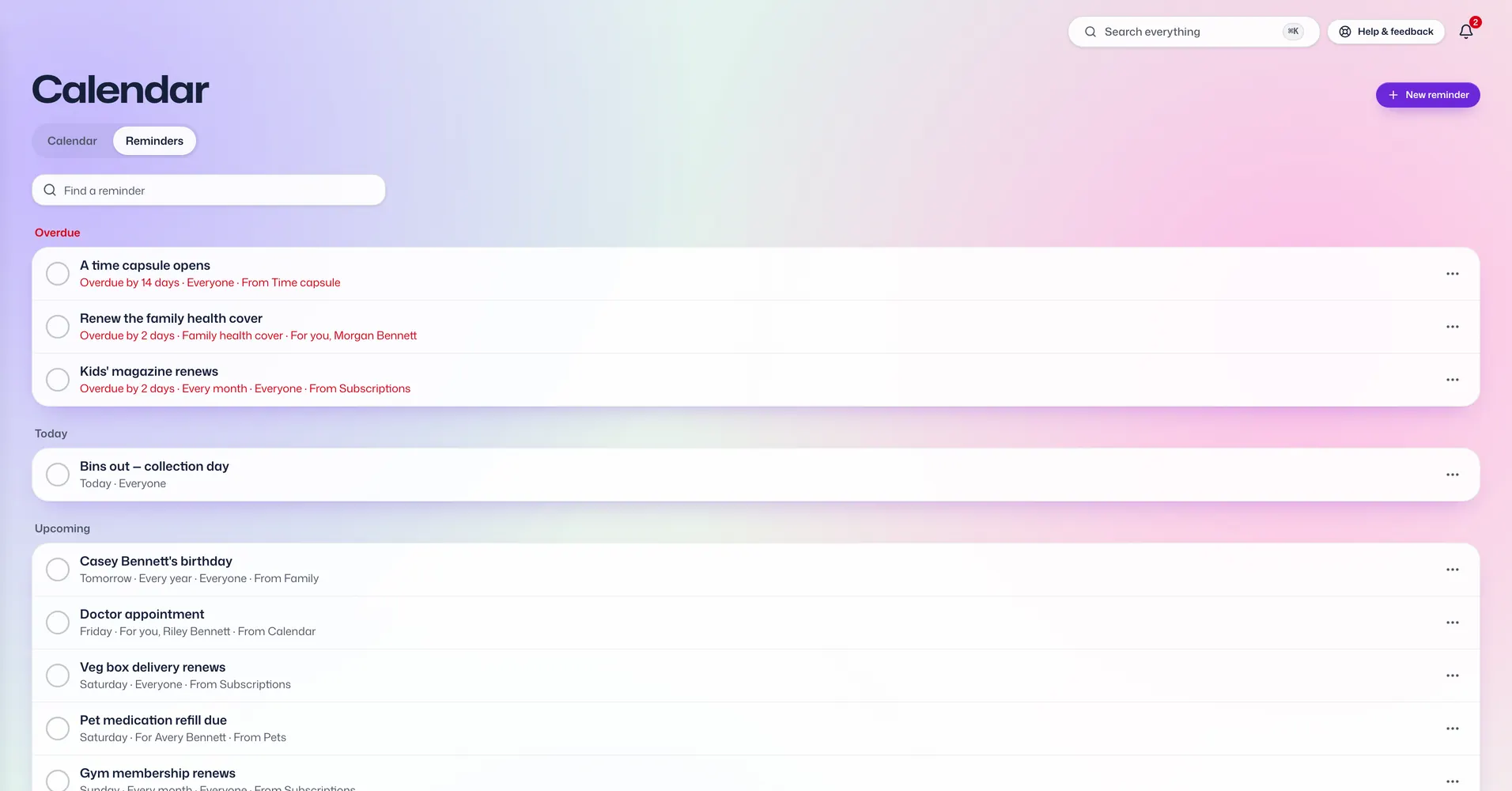
Reminders that reach the people who need them.

  • Pick who gets each reminder and how: a notification on their phone or computer, an email, a WhatsApp message, or all of them.
  • Just once, every month or every year.
  • Snooze one until tomorrow or next week.
  • Overdue, today and coming up, in one list.
  • Other apps add their own: document expiry dates, renewals, vaccinations, birthdays and bills to settle.
  • Reminder wording is not locked like the rest of the app, because it goes out by email and message. Keep it general.

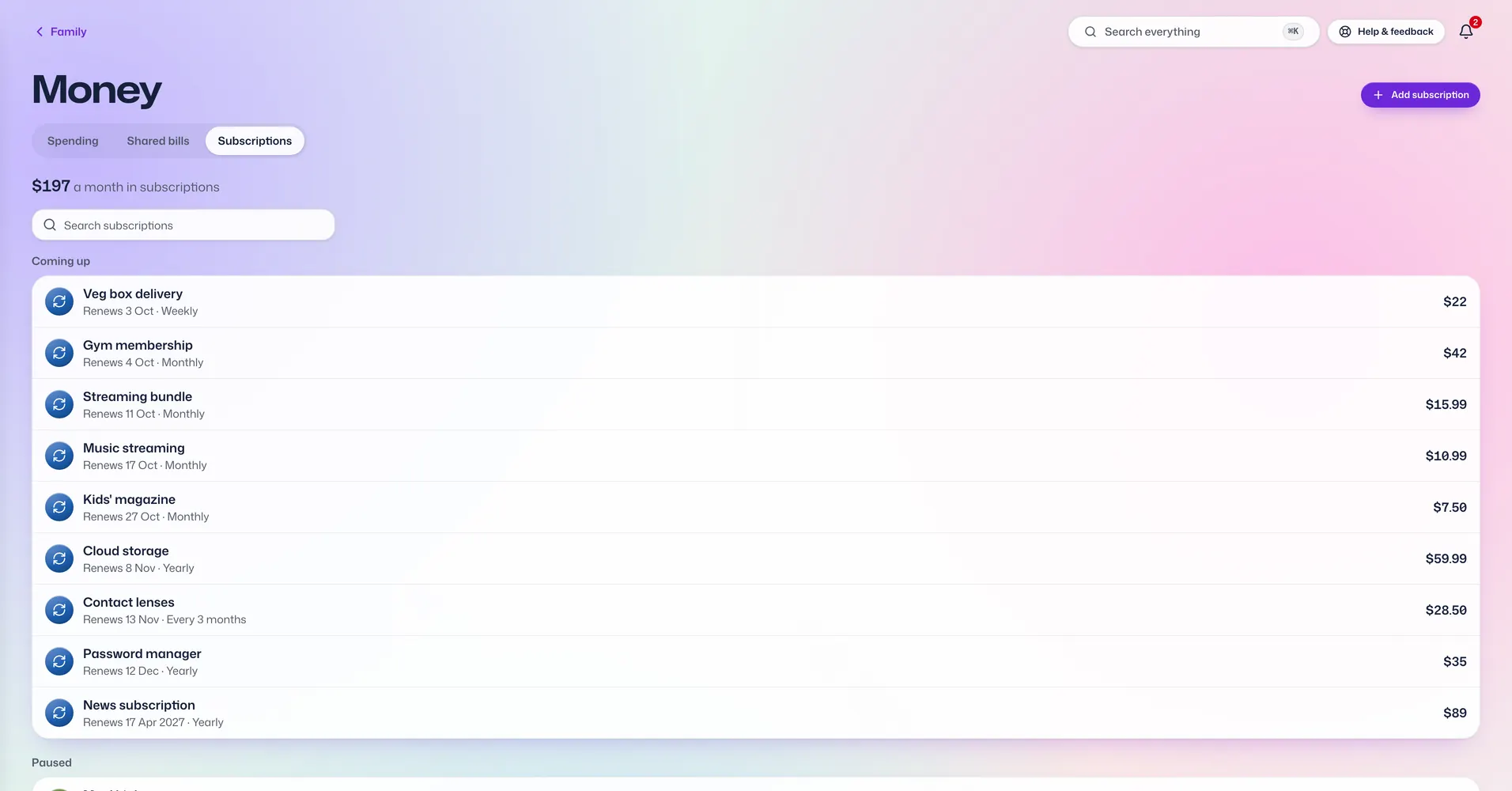
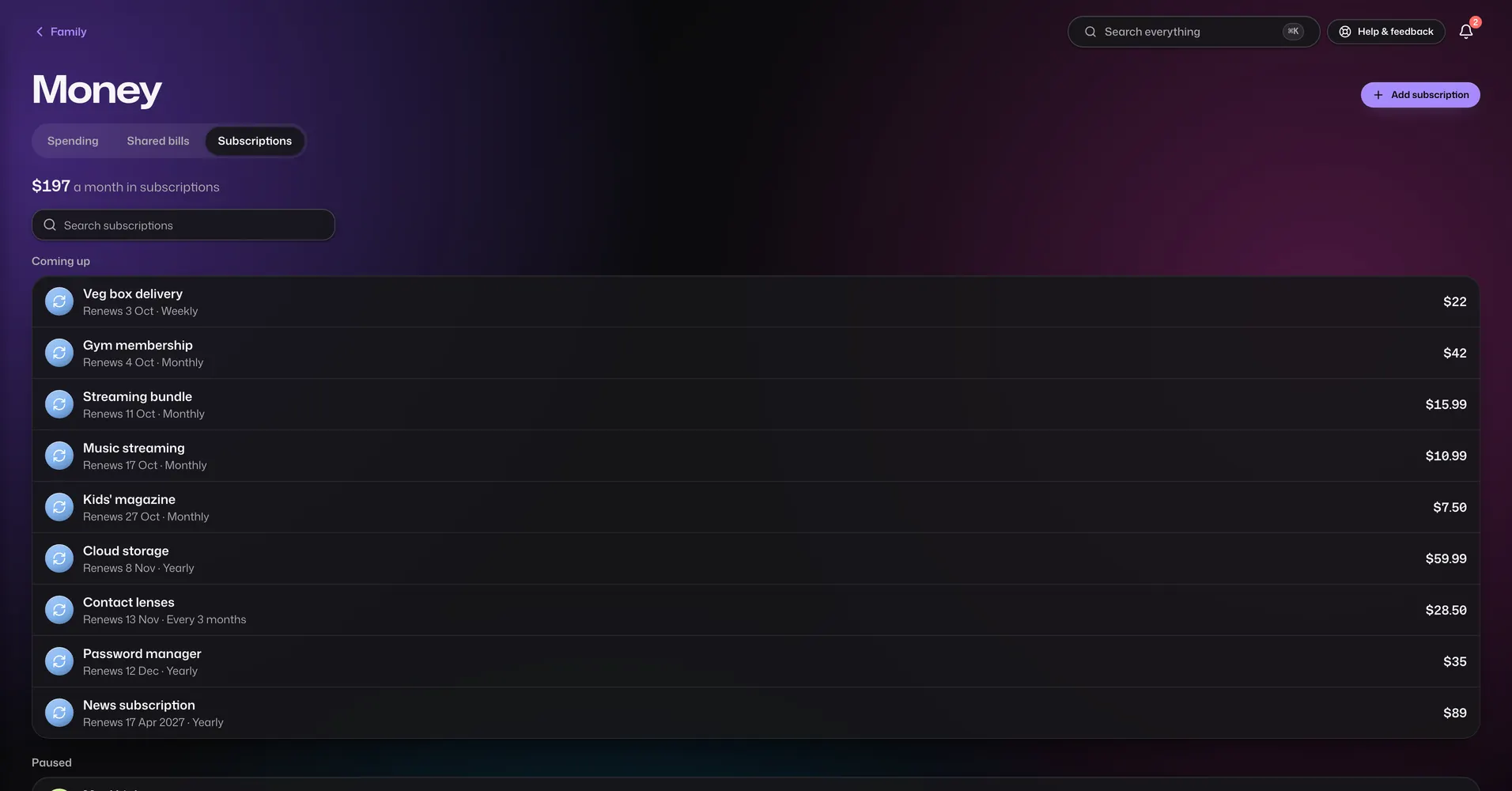
Subscriptions

Every plan

Every regular payment in one list.

  • Add anything that renews: streaming, phone plans, insurance, memberships.
  • See what they cost each month and each year.
  • A reminder before each one renews.
  • Pause one without deleting it.

Money

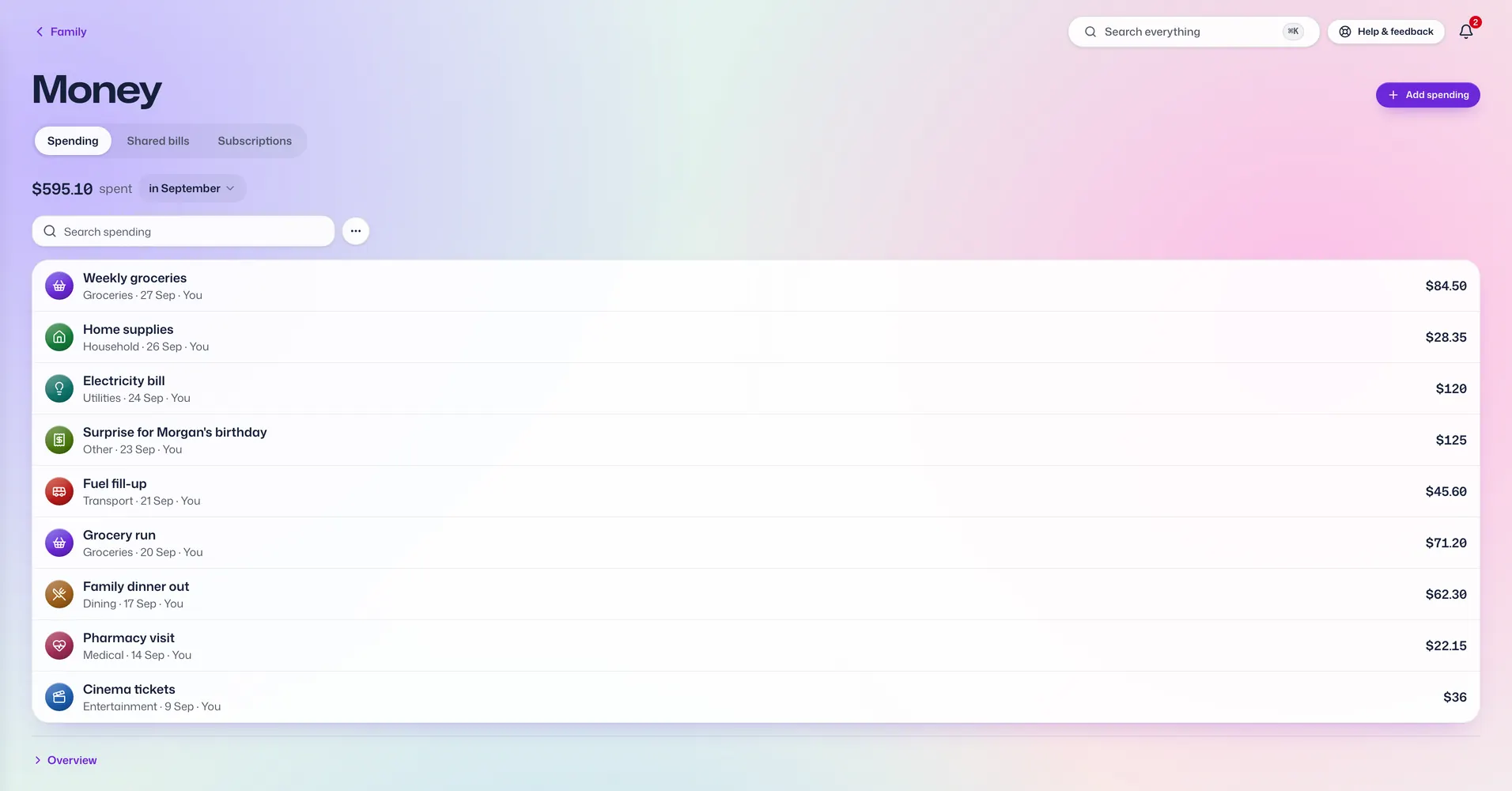
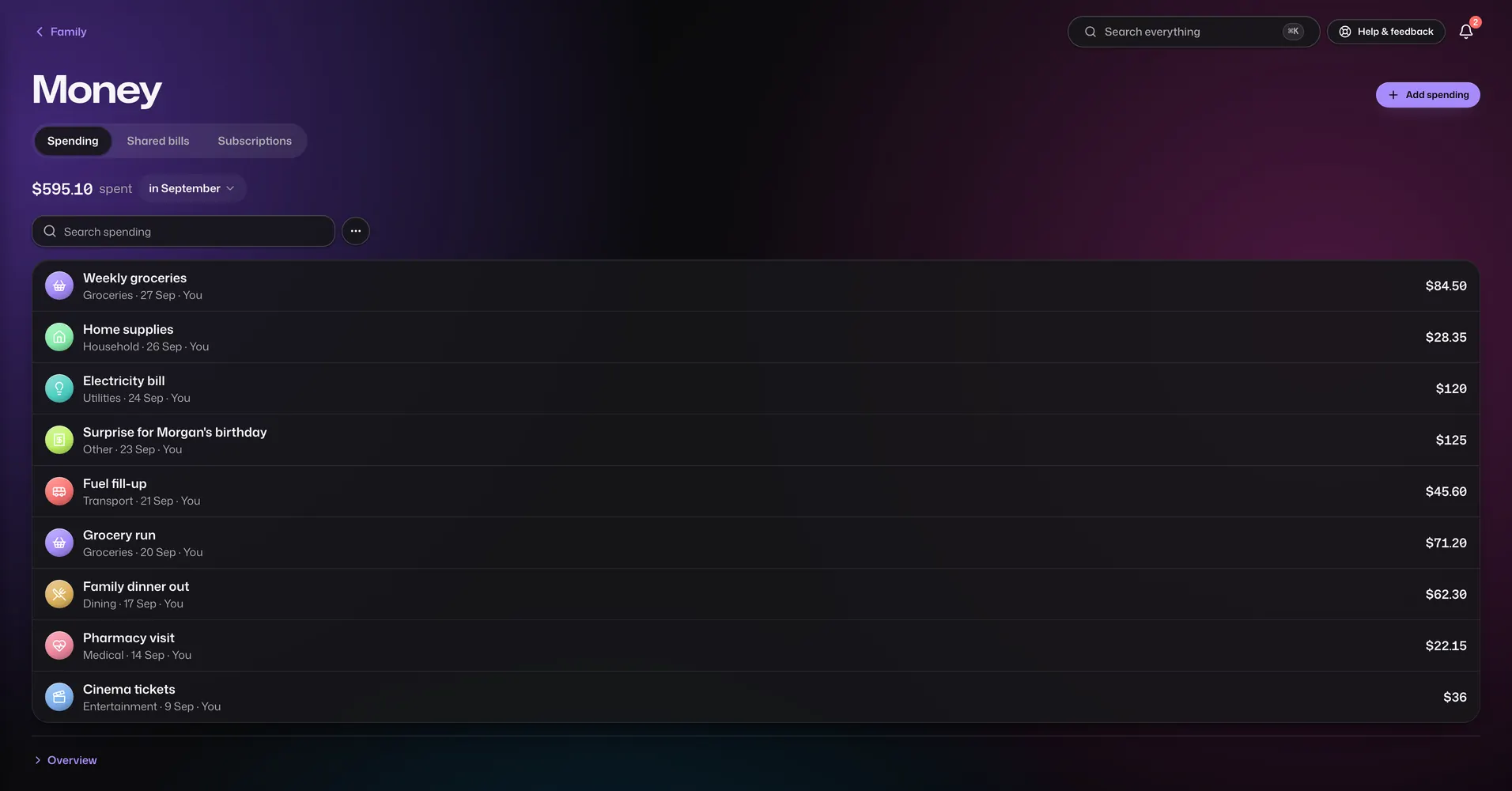
Spending, shared costs and running costs, without linking a bank account.

Expenses

Diamond only

Where the family's money goes.

  • Log spending by category. No bank connection needed.
  • Totals for the month and the year, and what you spent most on.
  • Filter by date, category, amount or notes.
  • Keep an entry to yourself or share it with the family.
  • Email an entry to family.

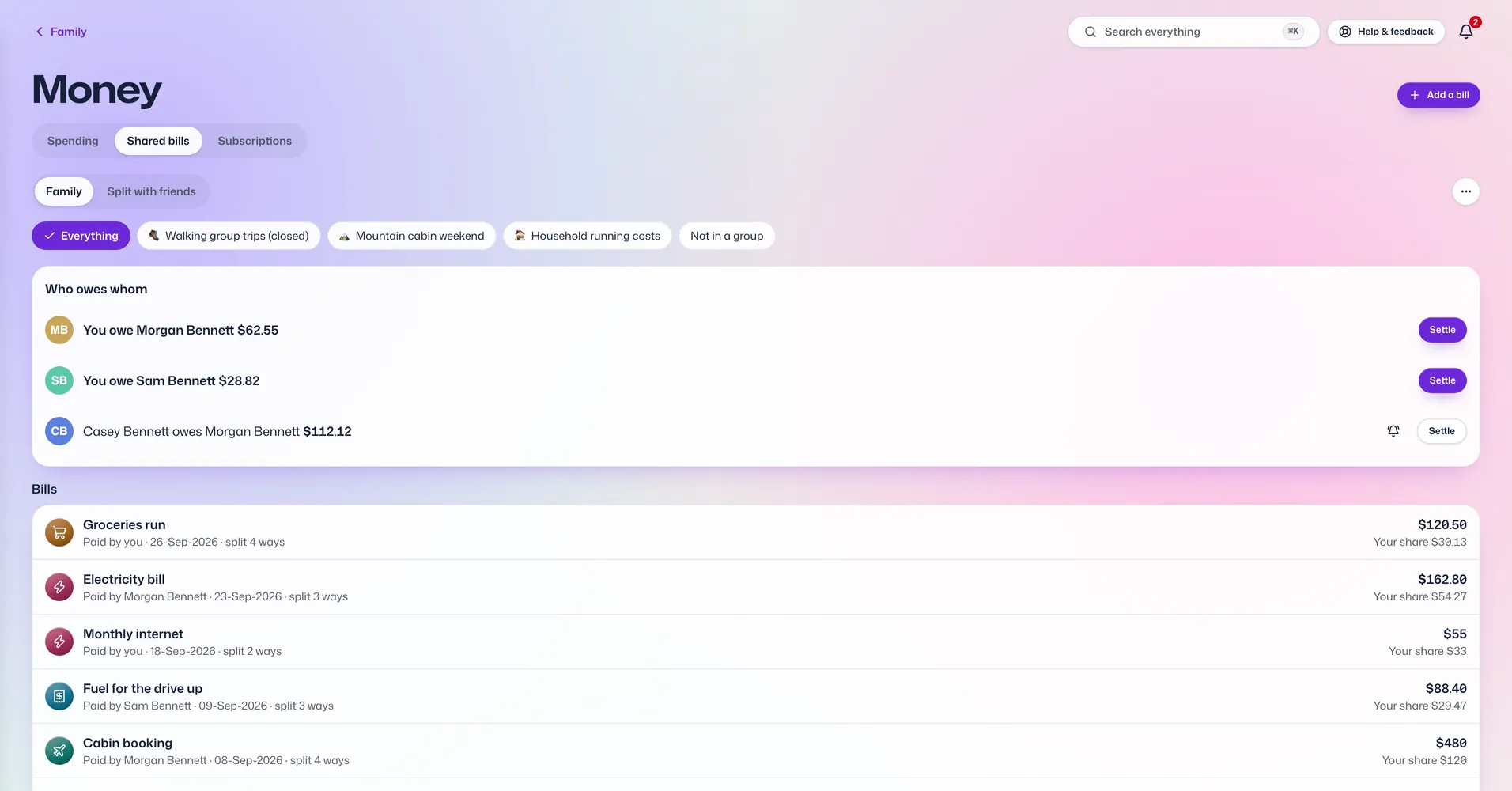
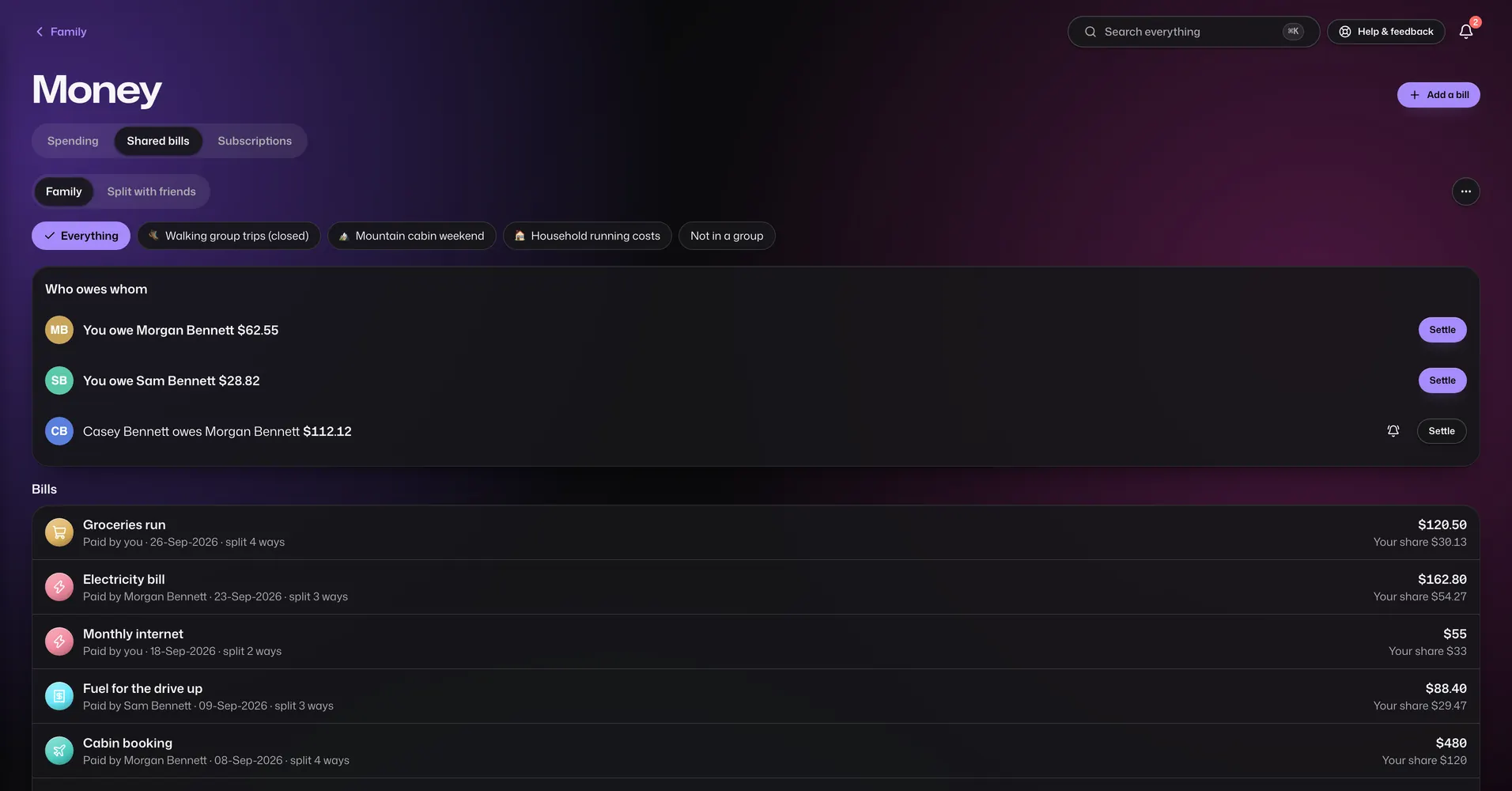
Shared bills

Diamond only

Split bills and settle up, in the family or with friends.

  • Split equally, by set amounts, by percentage or by shares, or item by item.
  • Scan a receipt to fill in the items. The photo is read on your phone and never uploaded.
  • Groups for a trip or an event, or for ongoing costs like rent, with bills that repeat.
  • See who owes whom, with the fewest payments needed to settle everyone.
  • Record a payment, and send someone a nudge to settle up.
  • Share a group with friends from another family. They join with their own Vault For Us account, and you both check a safety code.
  • Add someone who doesn't use the app. They count in the totals but can't see anything.
  • Bills in more than one currency.

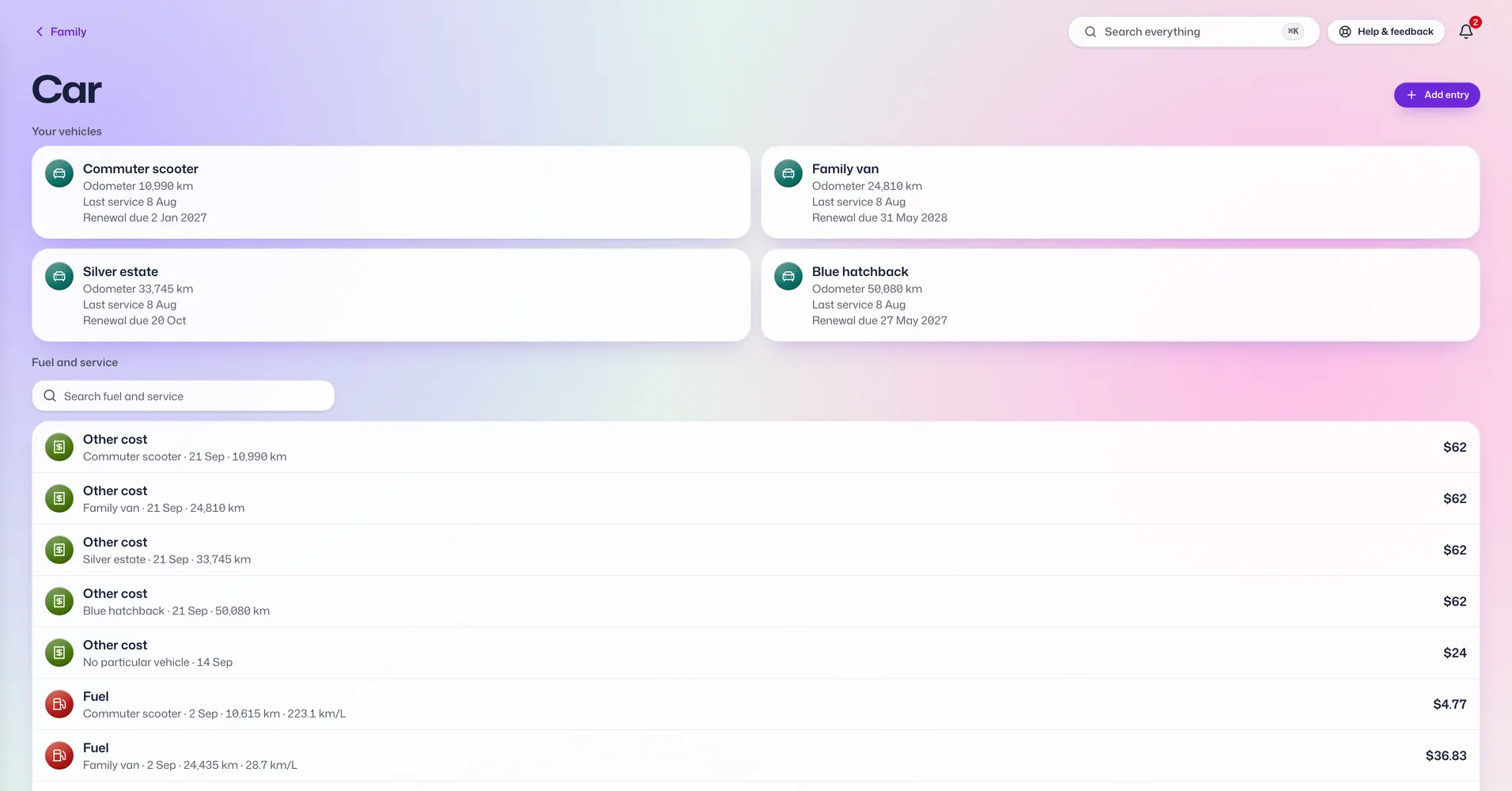
Vehicles

Diamond only

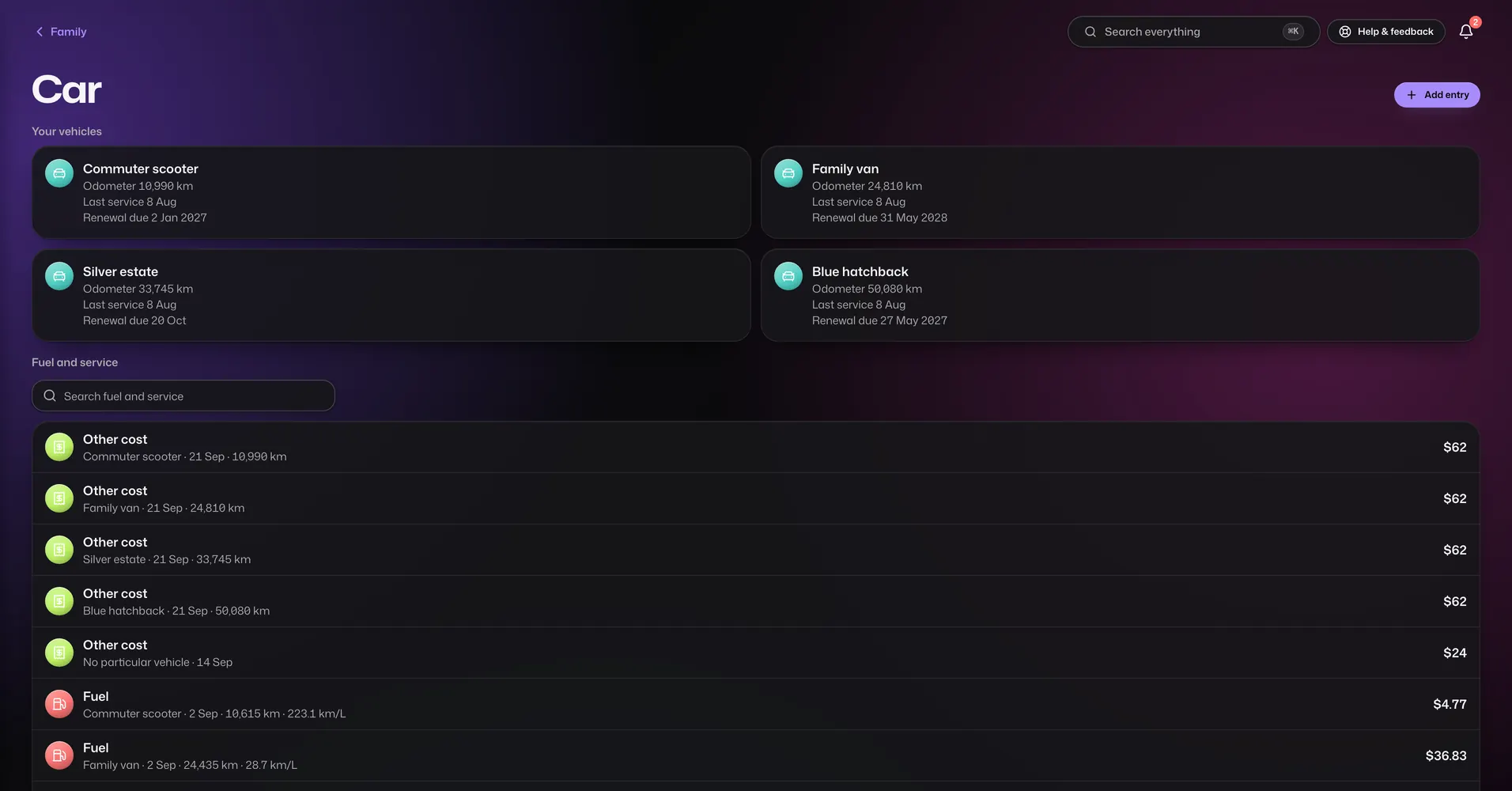
What each car or bike costs to run.

  • Log fuel, servicing and other costs for each vehicle.
  • Note the odometer each time and see fuel use worked out between full tanks.
  • Email an entry to family.

Health and care

For the people and the pets you look after.

Emergency Info

Every plan

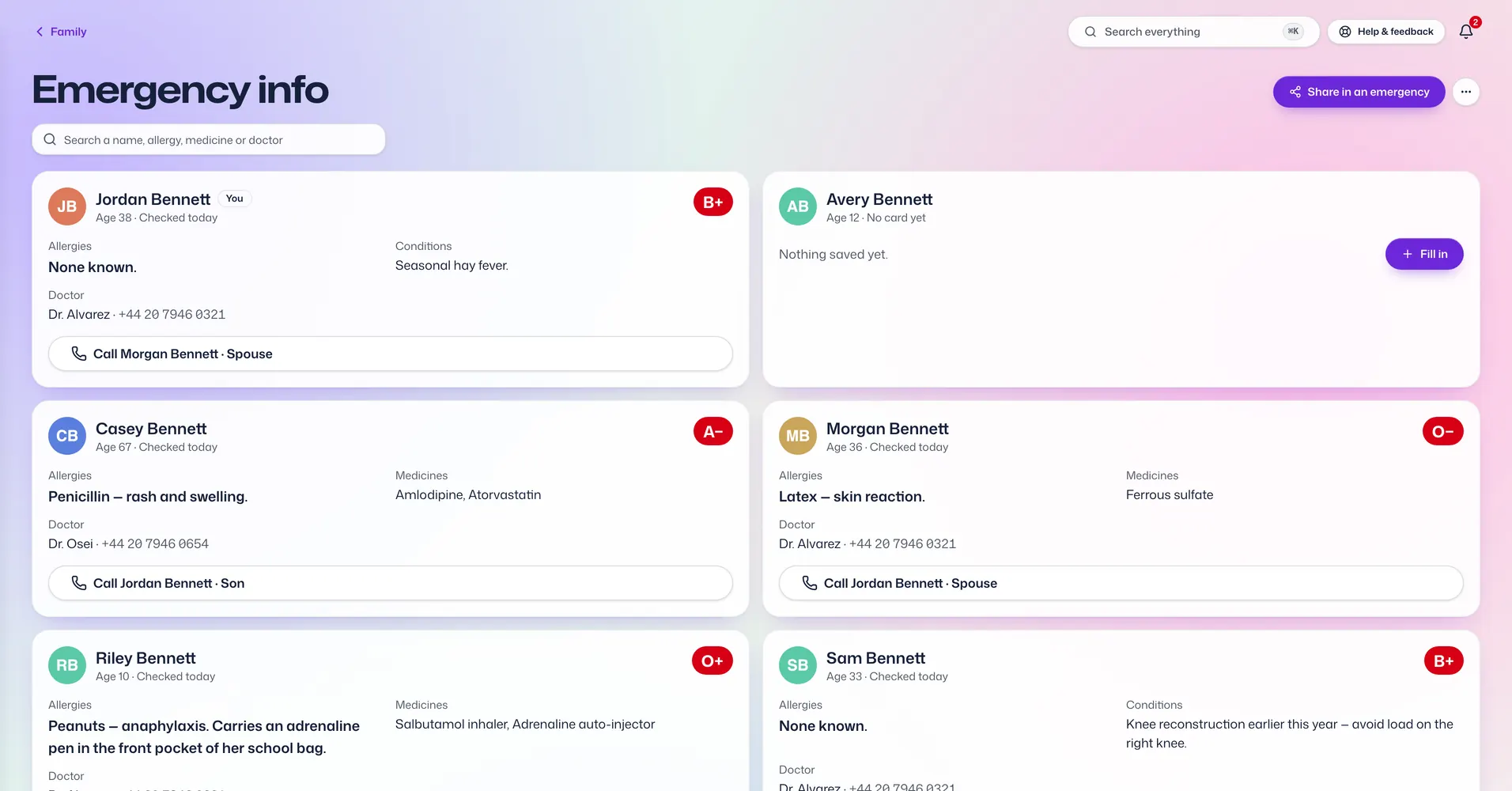
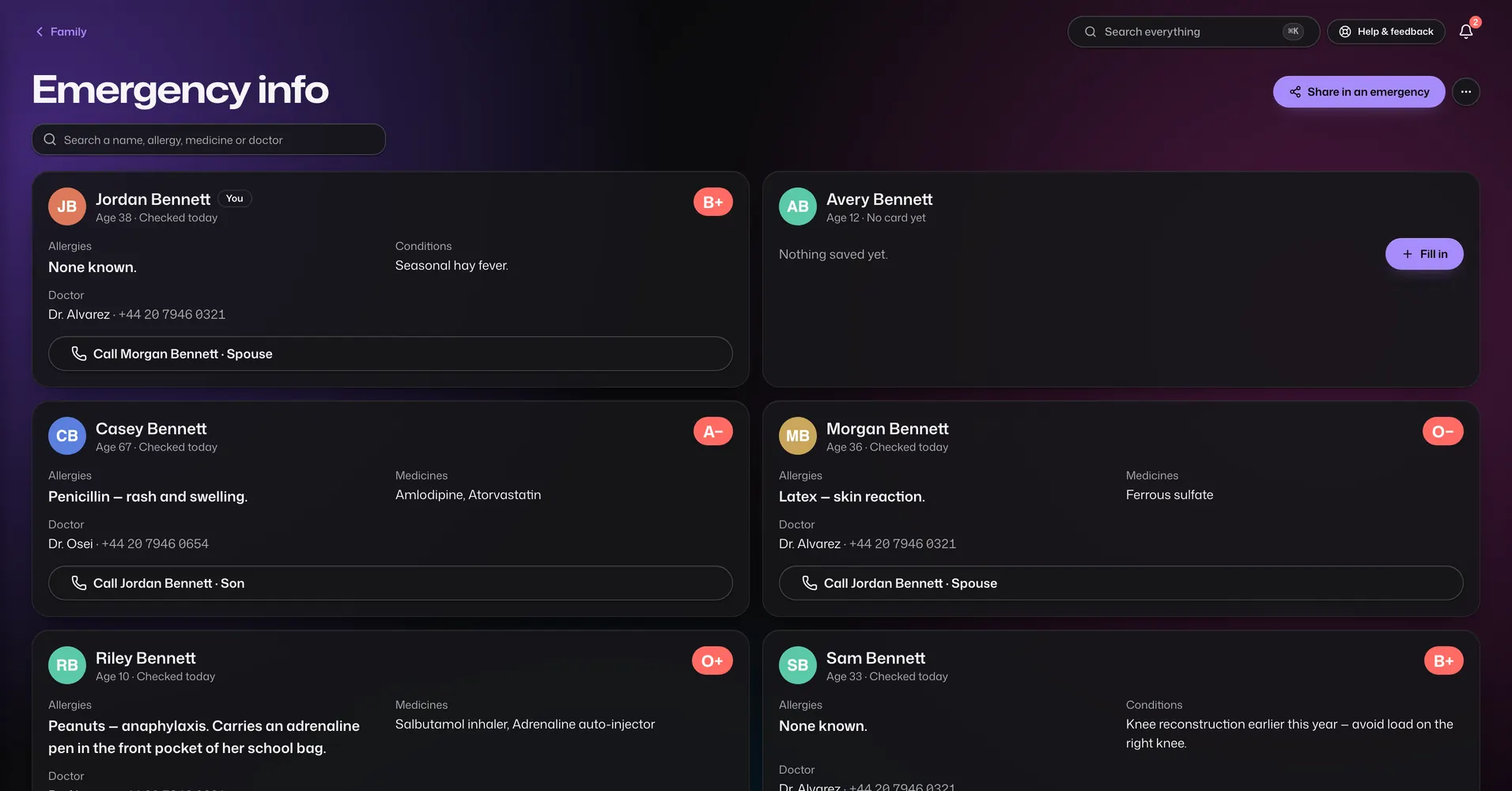
One card per person, for when something goes wrong.

  • Blood group, allergies, conditions, medicines, doctors, insurance and who to call, in order.
  • The home address and how to get in, languages, mobility needs and what to do first.
  • Everyone in the family can open every card. It is never hidden from anyone in the family.
  • Each card shows when it was last checked, so old details stand out.
  • Send a card to a doctor or neighbour as a message, or print all the cards.

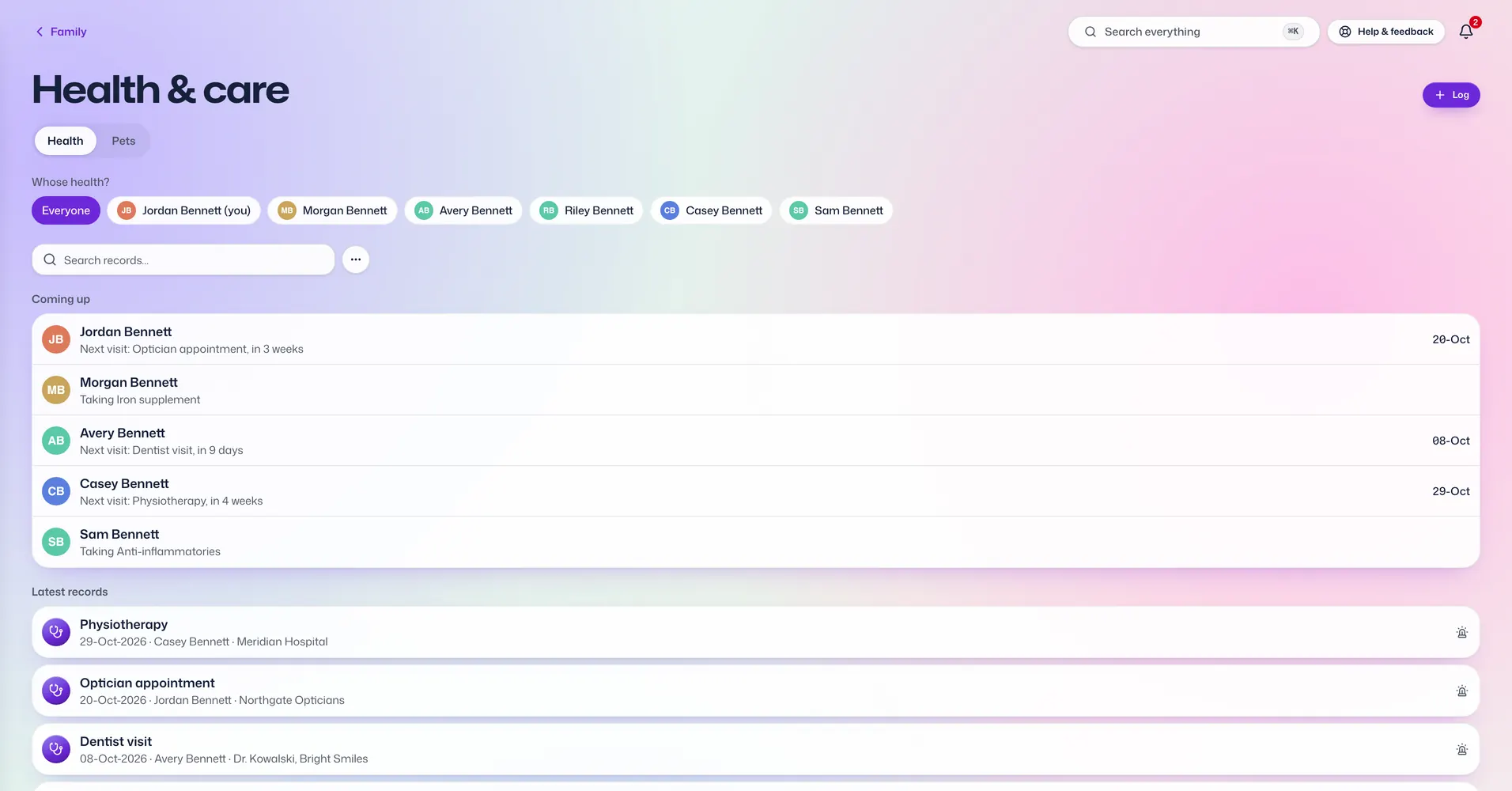
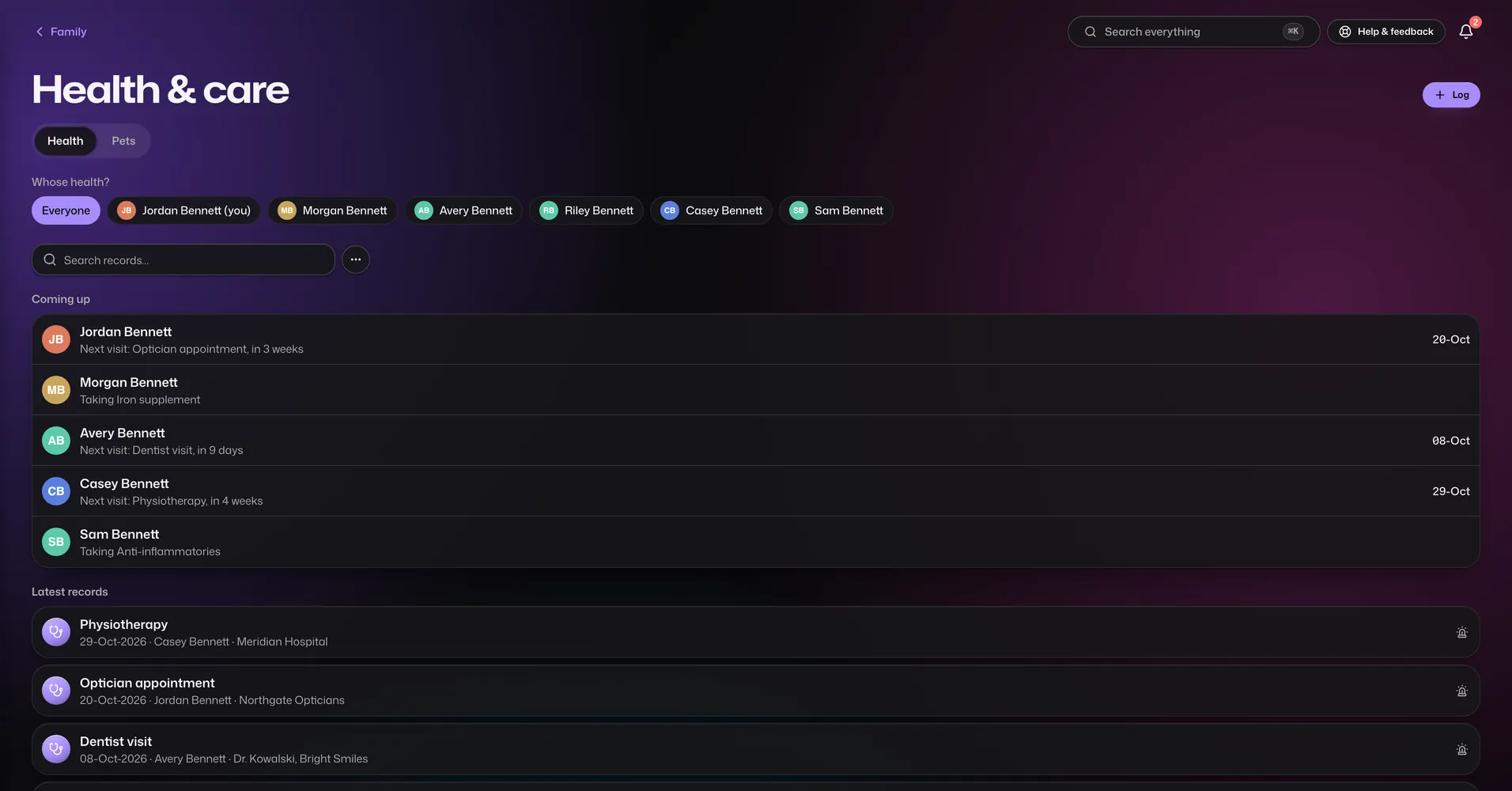
Health

Sapphire and Diamond

Health records for each person in the family.

  • Appointments, vaccines, medicines and growth checks, filed under each person.
  • Height, weight and BMI over time.
  • A care watch that shows what is overdue or coming up for each person.
  • A list of the family's doctors and clinics.
  • Add a medicine or allergy to the emergency card in one tap.
  • Print records or email them to family.

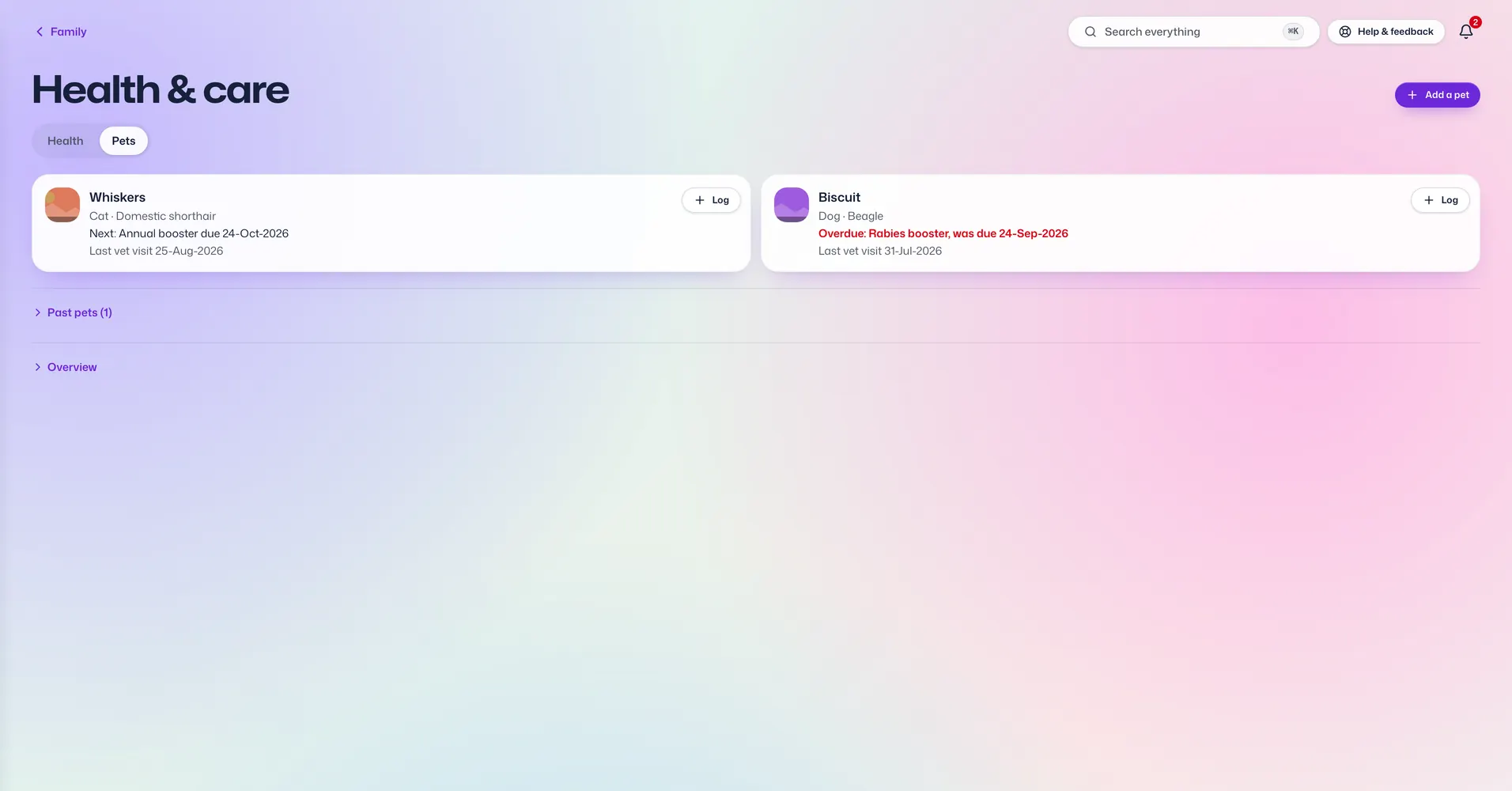
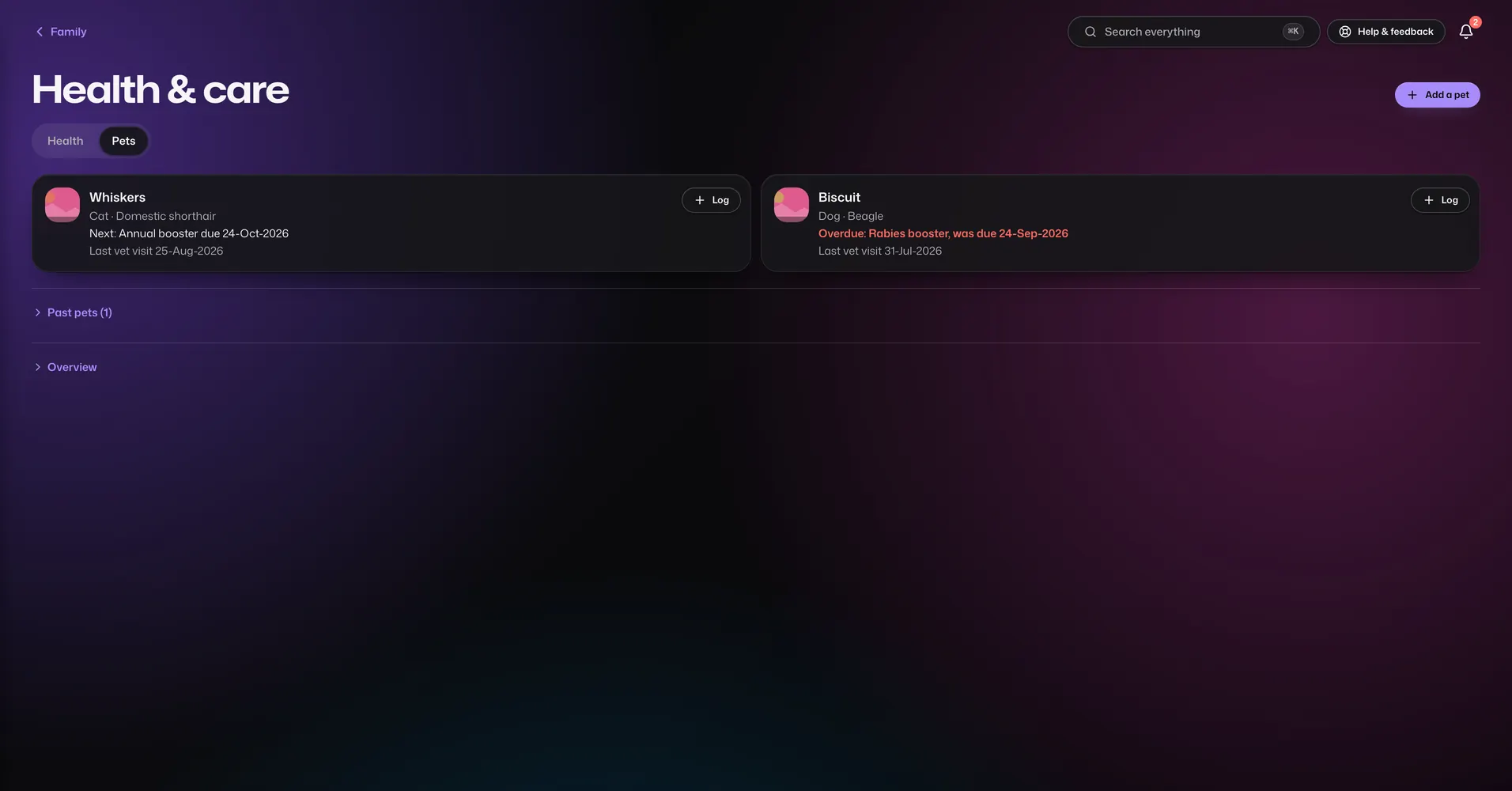
Pets

Diamond only

Everything about the pets, from vaccinations to the vet's number.

  • A profile for each pet: breed, birthday, microchip number, food, allergies and insurance.
  • Vaccinations, vet visits and weight over time.
  • Medicines with refill dates, and reminders for whoever is looking after them.
  • Contacts for the vet, the groomer and the sitter.
  • Make a lost-pet poster from the profile. It is made on your device.

Family life

The everyday and the once-in-a-lifetime.

Family Quest

Sapphire and Diamond

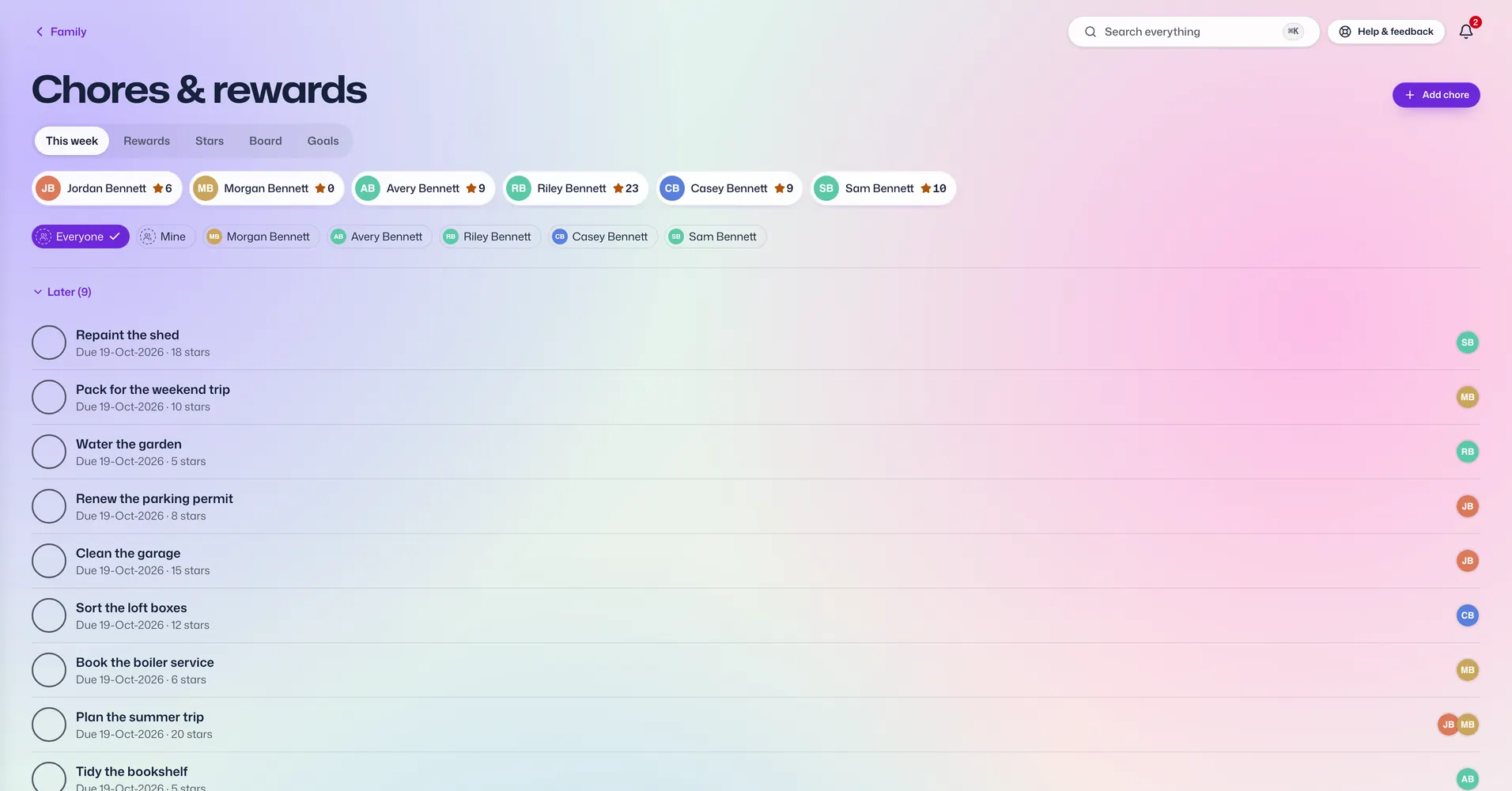
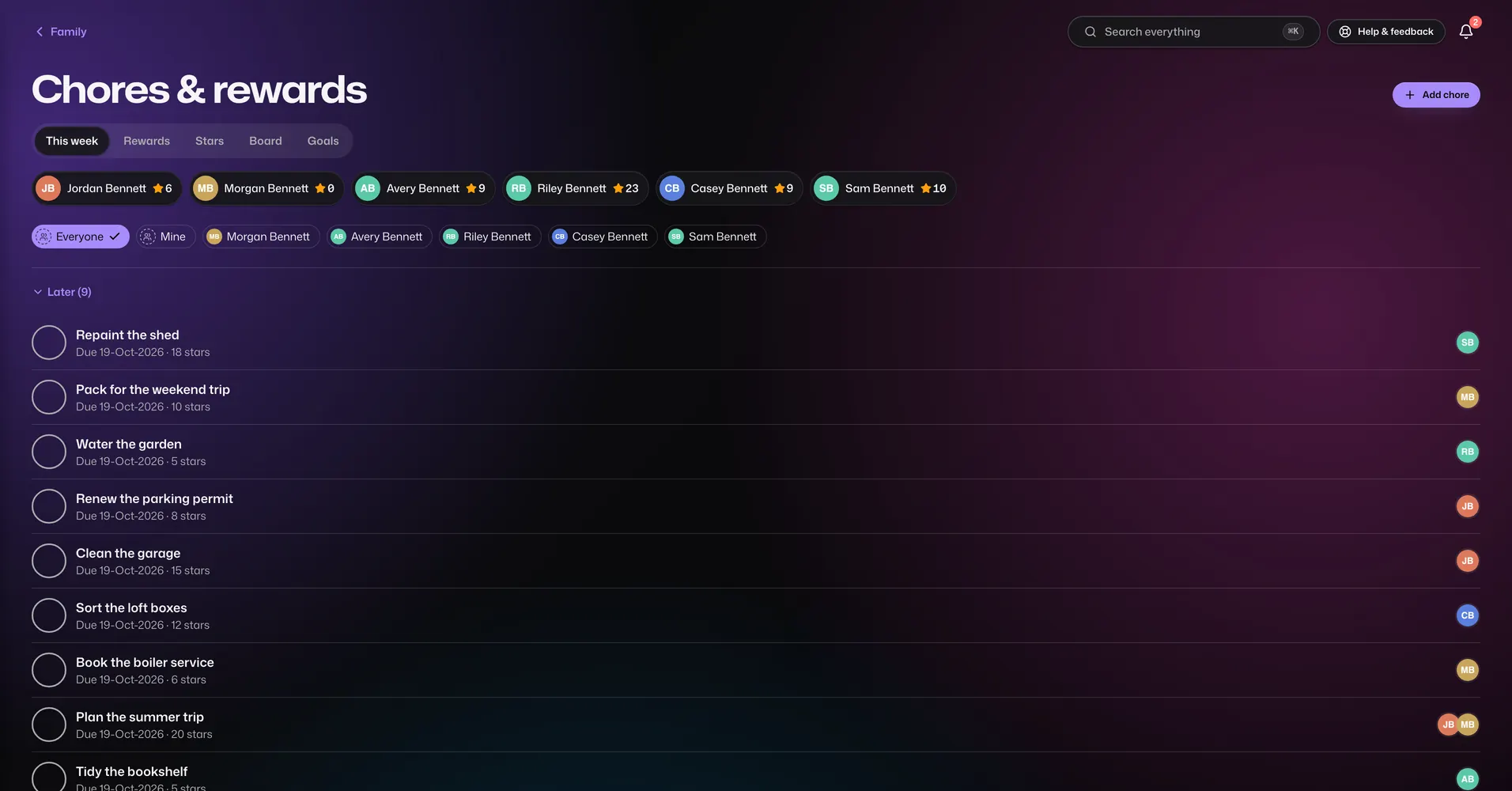
Chores and rewards that everyone can see.

  • Give chores to people, with due dates and categories.
  • Finished chores earn stars once the person you picked signs them off. A chore that isn't quite done goes back on the list with a note.
  • Rewards to save stars for. Someone you choose approves each request.
  • A board that moves tasks from to-do to done.
  • Shared goals the whole family works towards, like ten movie nights together.
  • A leaderboard and family stats.

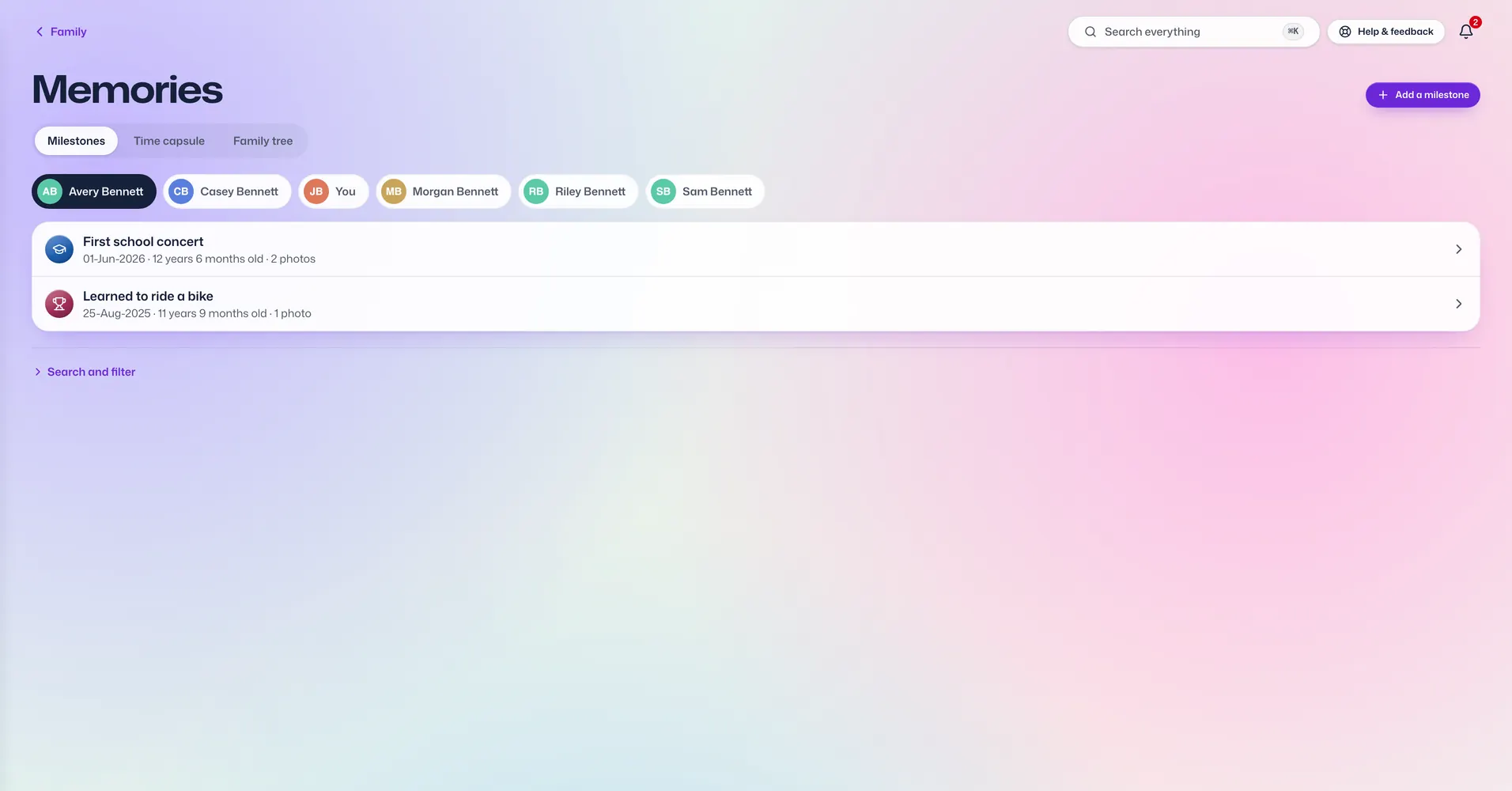
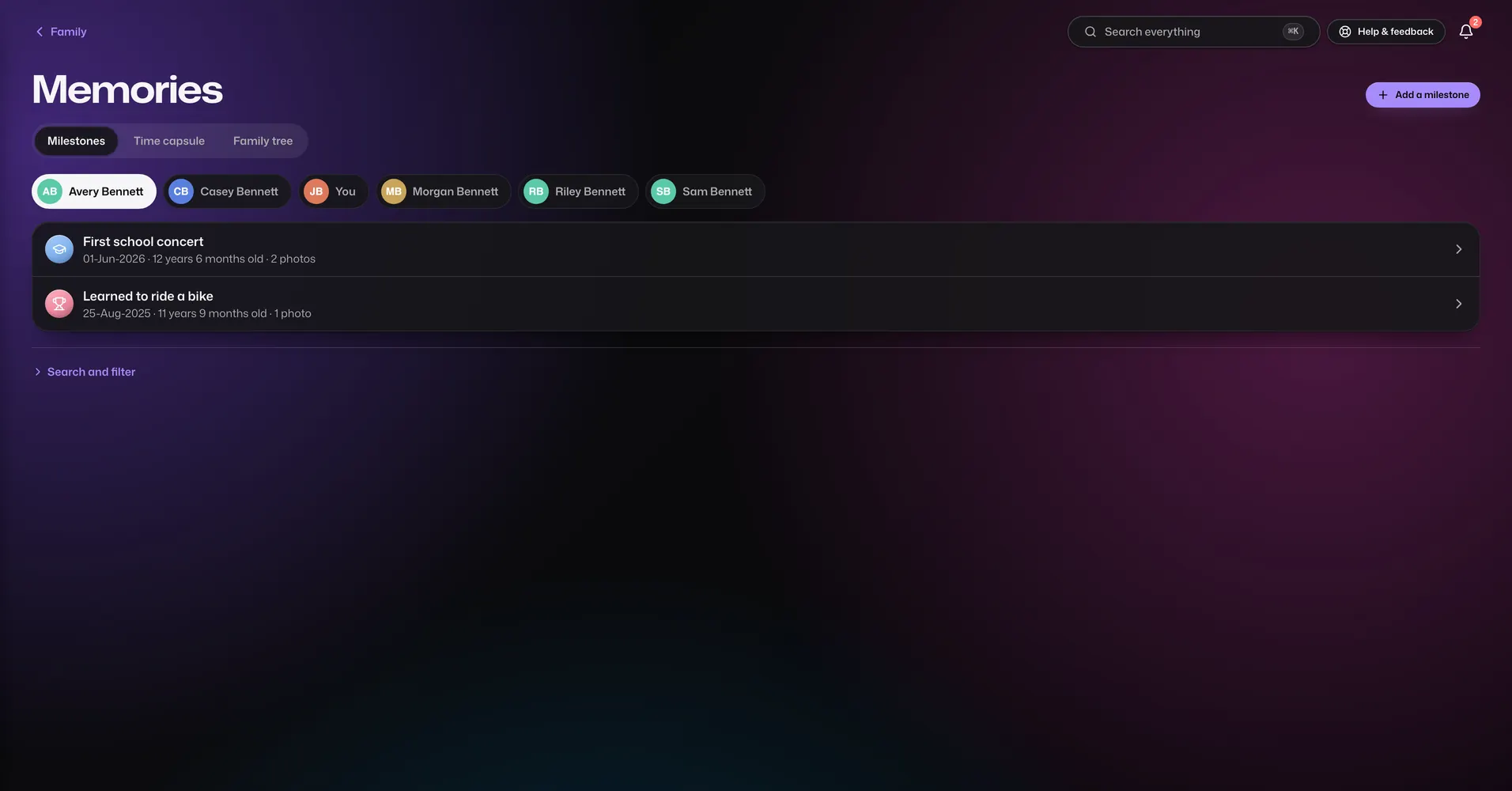
Milestones

Sapphire and Diamond

Each person's big moments in one timeline.

  • Add a moment with its date, what kind it is and photos.
  • See one person's timeline or the whole family's.
  • Find moments by year or month.
  • Email a milestone to family.

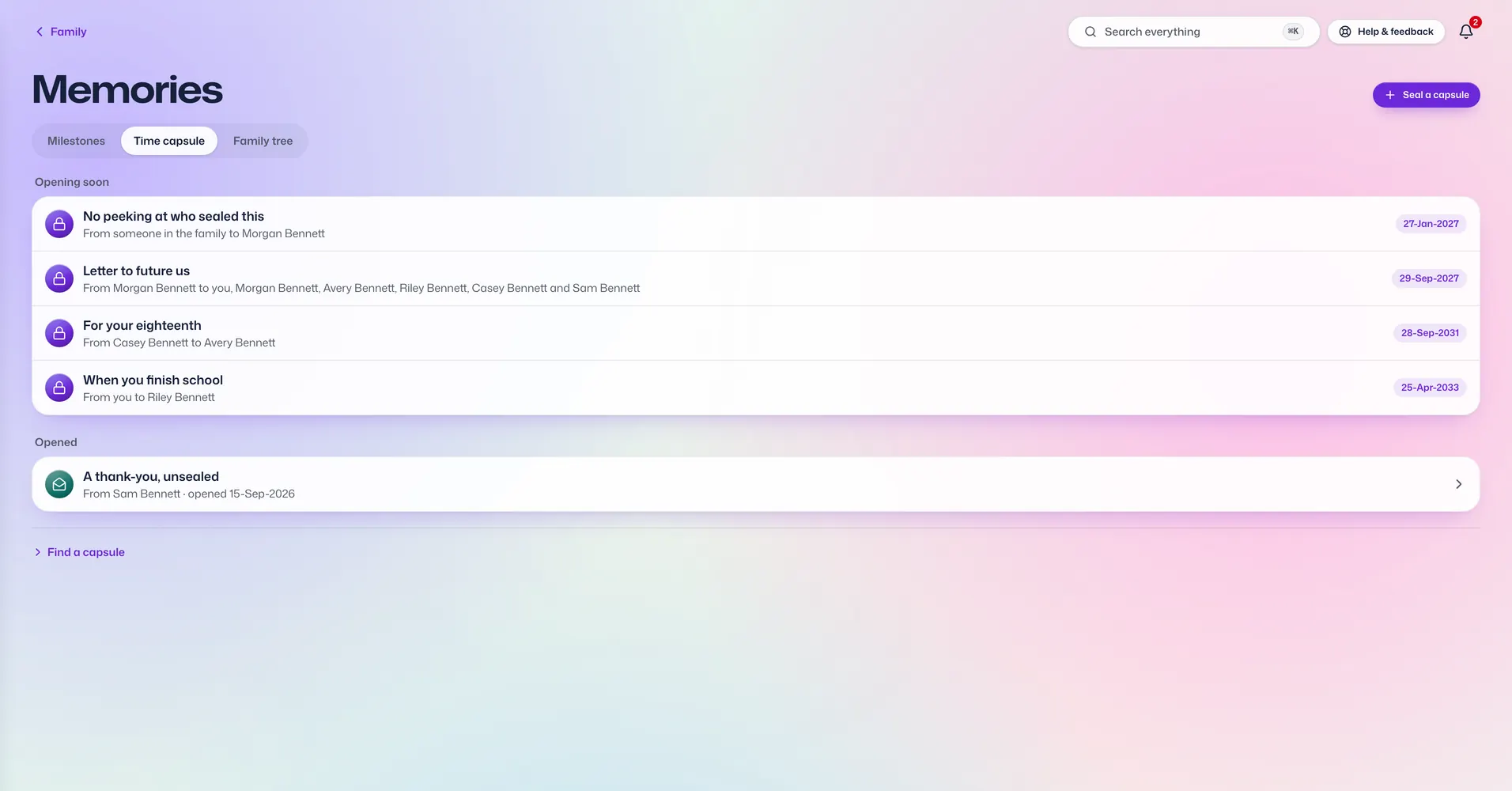
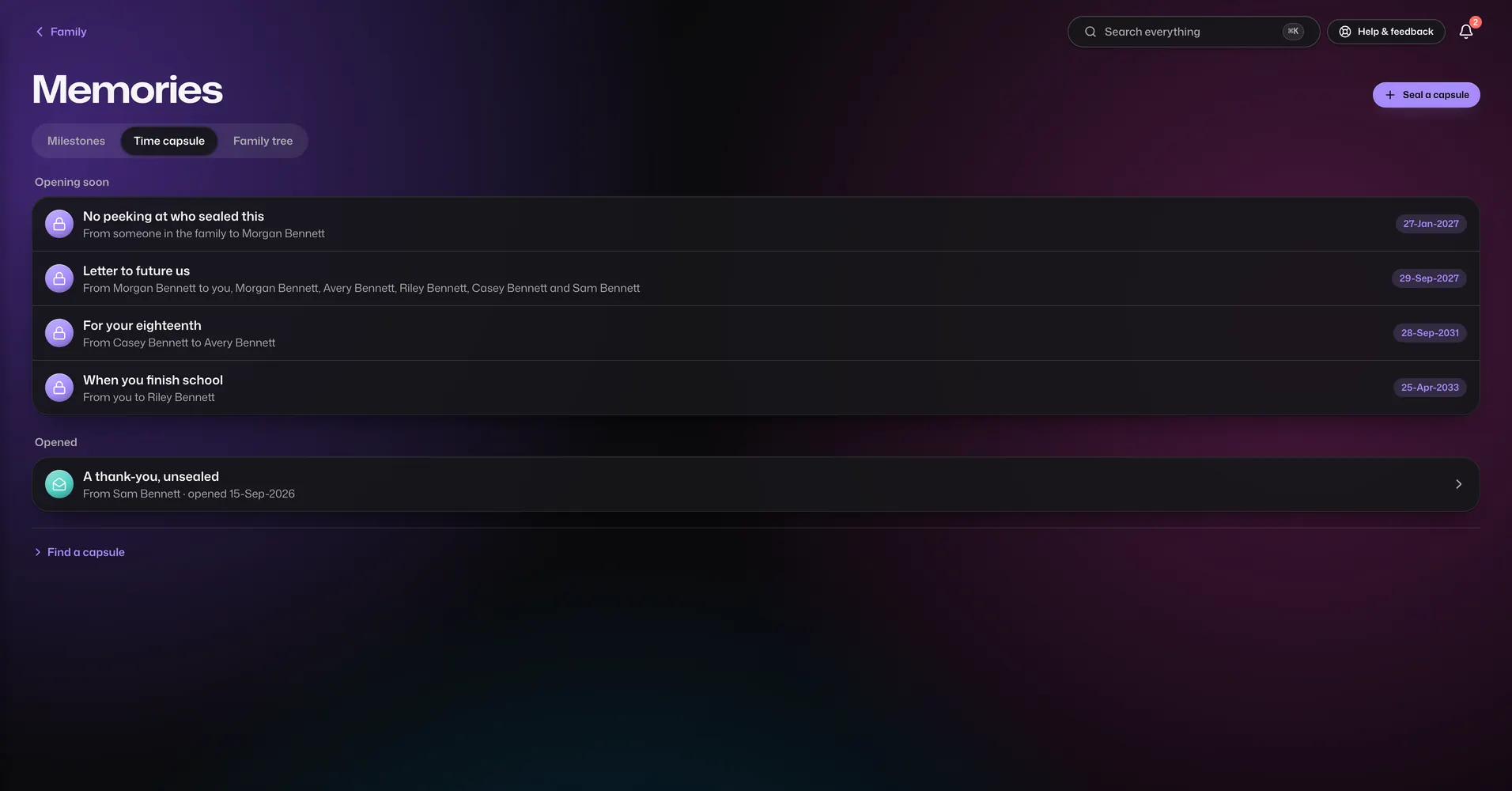
Time Capsule

Diamond only

Messages that open on a date you choose.

  • Write a message, record a voice message and attach files.
  • Address it to the whole family or to chosen people.
  • It stays sealed until the opening date. Nobody can read it early.
  • A reminder goes out on the day it opens.

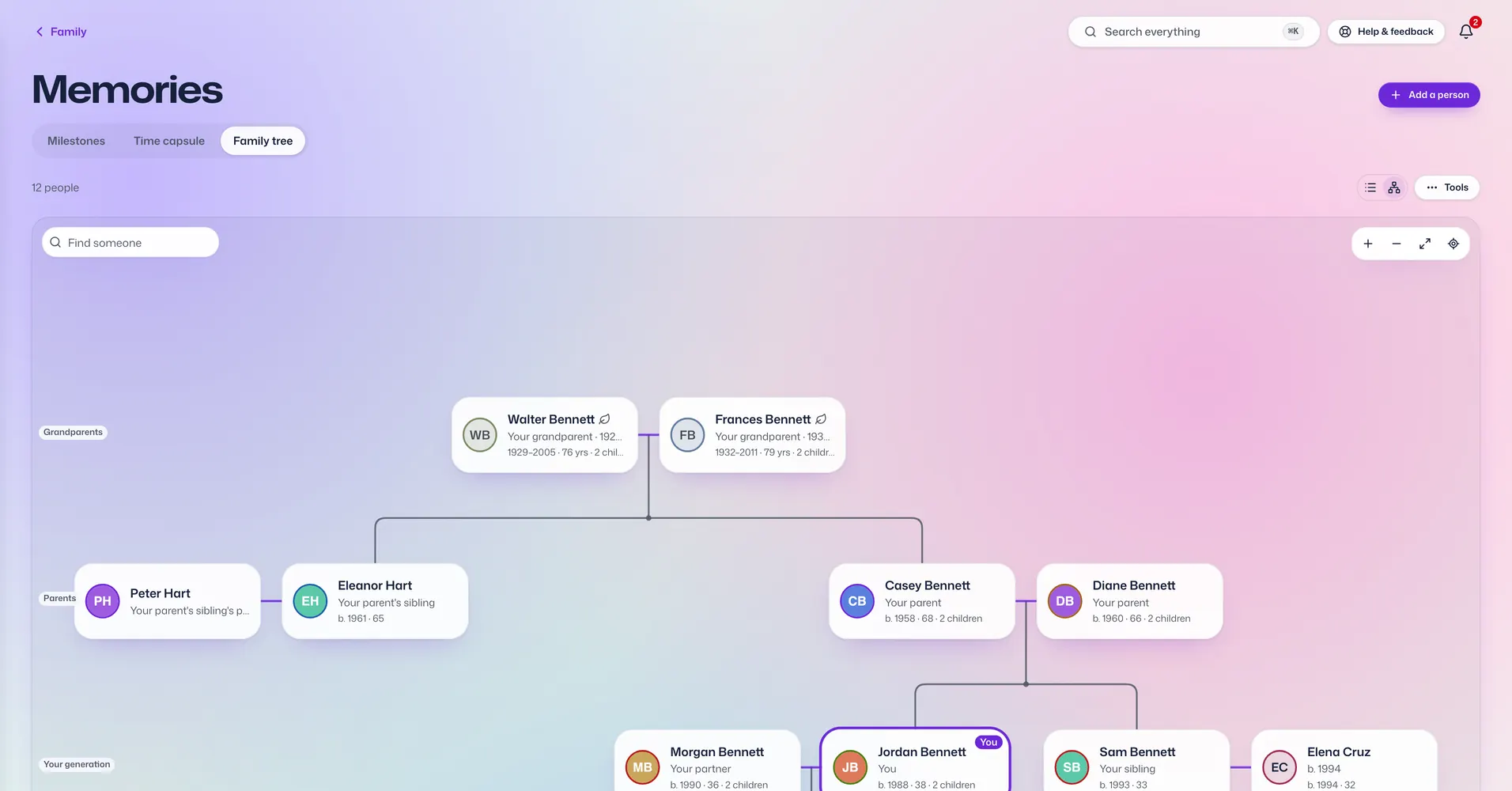
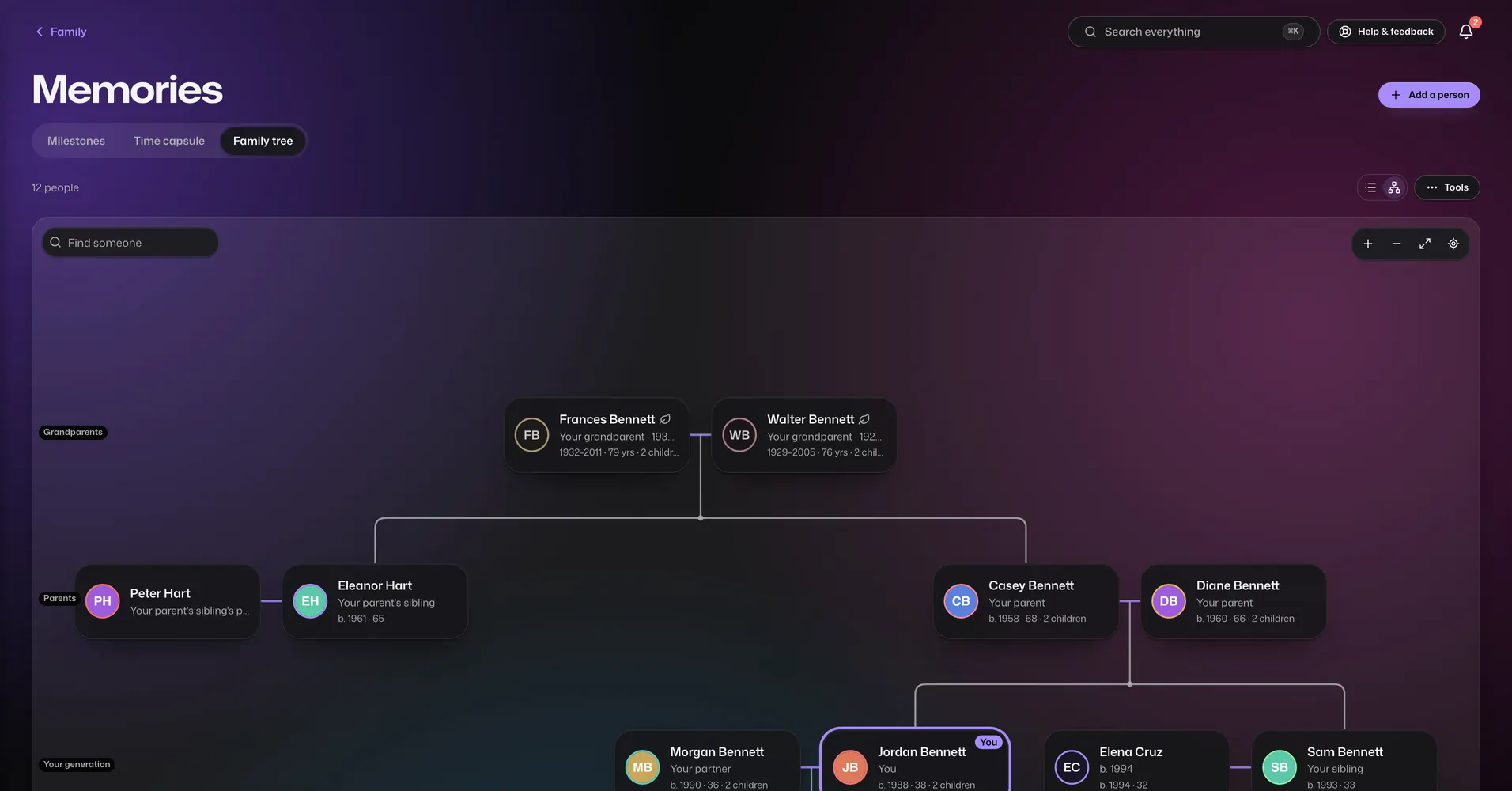
Family Tree

Diamond only

Your family tree, as far back as you know it.

  • Add relatives with just a name, then link parents, children and partners.
  • Remember those who have died, with the years they lived.
  • See how anyone in the tree is related to you.
  • Yearly reminders for birthdays and anniversaries.
  • Zoom and move around a big tree, or search for someone.
  • Connect with another family's tree when both sides agree. You tick exactly who is shared, and notes and photos never cross.
  • Bring in a tree from another family tree app, or export yours, as a GEDCOM file.

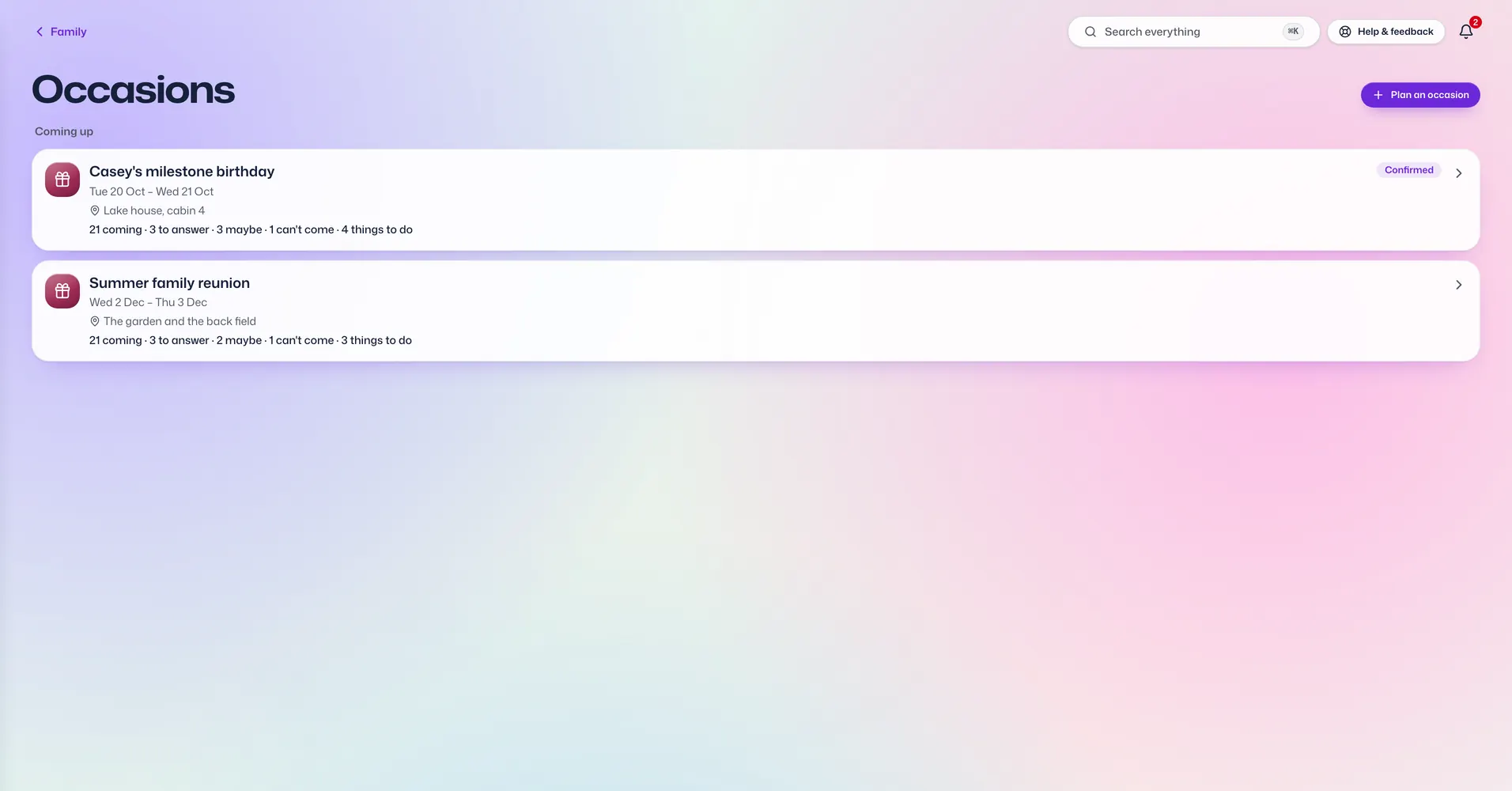
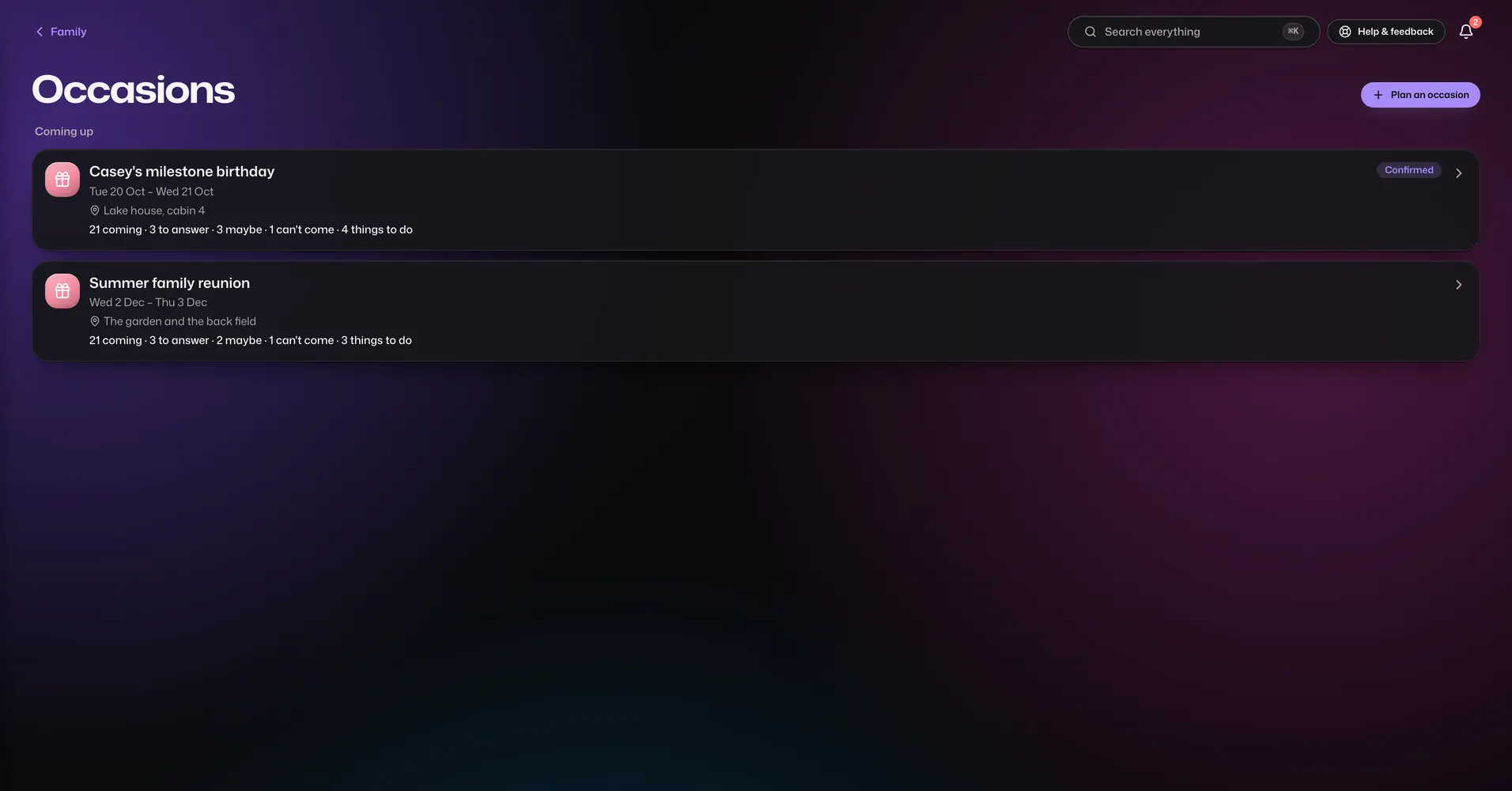
Occasions

Diamond only

Plan a wedding, a birthday or a get-together from start to finish.

  • Start from a template: wedding, engagement, birthday, anniversary, baby shower, housewarming, festival or potluck.
  • A guest list with meal choices, plus-ones and who is staying where.
  • Arrivals, departures, pickups and rooms for guests who travel.
  • A programme and run sheet for the day, plus menus and menu cards.
  • Vendors with their bookings, payments and a call sheet.
  • A budget by category. Costs can be split with the family in Shared bills.
  • To-do and shopping lists, with jobs given to people.
  • Let the family vote on a date, and send guests in the family an announcement.
  • Invite links that guests outside the family can answer without making an account.
  • Print sheets for the day.

If something happens to you

So the people you leave behind are not left guessing.

Legacy

Every plan

What your family needs to know, written down in one place.

  • A handbook with first steps, where things are, funeral wishes, people to call, a letter and a checklist.
  • It lists your documents by type and points out money and insurance records with no nominee.
  • Print it and keep it with your Recovery Kit.
  • Name one legacy person who can open your private documents and notes after you're gone. They have to ask first, you're told straight away, and nothing opens for 30 days, so you can say no.
  • Name emergency contacts who can read your private documents and notes if you can't, after a wait you choose between 3 and 30 days. Your passwords stay private.

What works the same in every app

These come with every plan.

Each person sees what you decide

  • Add anyone with just a first name. Children and grandparents can be part of the family without a login of their own.
  • Send an invite link when someone is ready for their own login.
  • For each person, set every app to Hidden, View or Full.
  • Pause someone's access or sign them out everywhere. Nothing is deleted.
  • Keep birthdays, clothing sizes and a photo for each person.
  • Everyone you add counts towards your plan's member limit.

Private or shared, one record at a time

  • Notes, documents, expenses, shared bills and passwords can each be private or shared.
  • Share one with chosen people, to view or to edit. Only the person who made it decides.
  • A private record stays private, even from primary members, unless you name someone as an emergency contact or legacy person.
  • Choose whether new things start private or shared.
  • When someone gives you a task, shares a document with you or adds you to an event, you get a notice.

Signing in without passwords

  • Sign in with your fingerprint, face or phone PIN. There is no password to remember and no code sent by email or text.
  • A new phone or computer joins only after one you already use approves it, by matching a number on both screens.
  • Lost a phone? Remove it from any other device and it stops working straight away.
  • If every device is lost, your paper Recovery Kit gets you back in after a 48-hour safety wait, or sooner if someone in the family approves.
  • Primary members can see an activity log of sign-ins, new devices and permission changes.

Notices on your terms

  • Everything shows up in the app. A copy can also go to your phone, your email or WhatsApp.
  • Turn each one on or off for every app and every kind of news.
  • Quiet hours hold messages until they end. Security alerts always come straight through.
  • Messages say that something happened, never what your records say.
  • WhatsApp stays off until you add your number and confirm it with a code.

On every phone and computer

  • Works in the web browser on any phone, tablet or computer.
  • An Android app is on Google Play. On iPhone and iPad, open it in Safari and add it to your home screen.
  • Put the whole app, or single apps like Passwords or Calendar, on your home screen as their own icons.
  • Read what you last opened even without internet. Making changes needs a connection.
  • One search box for documents, passwords, emergency cards and every page.

Your copy, whenever you want it

  • Download everything in one file at any time, on any plan, even after a failed payment.
  • Email a document, note, health record, milestone or event to family members' saved email addresses. Passwords are never emailed.
  • Send a private link to a document or password to someone outside the family. It stops working after 1 to 7 days or a set number of opens.
  • Print the calendar, emergency cards, health records, occasion sheets and the legacy handbook.

Make it look like yours

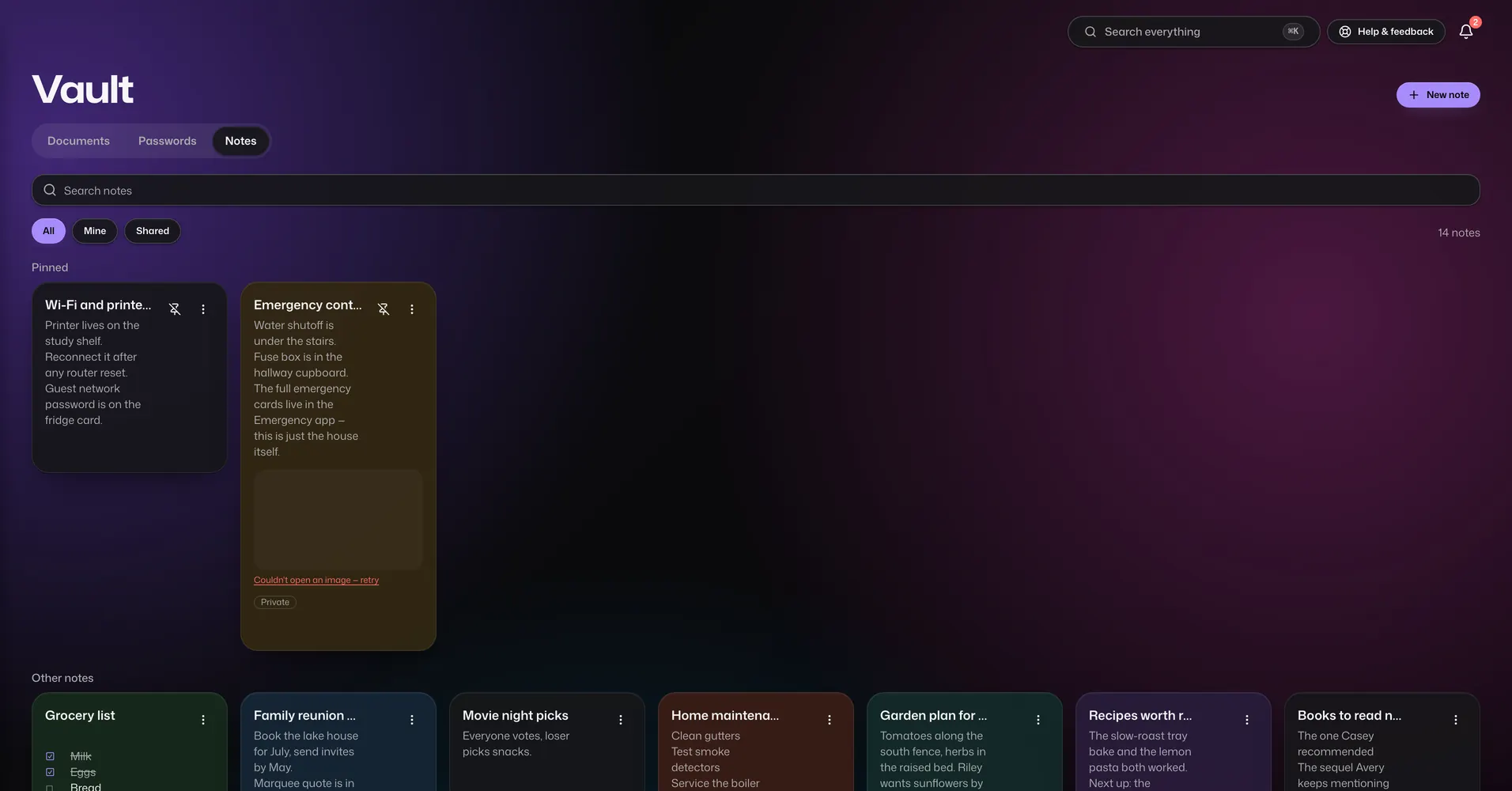
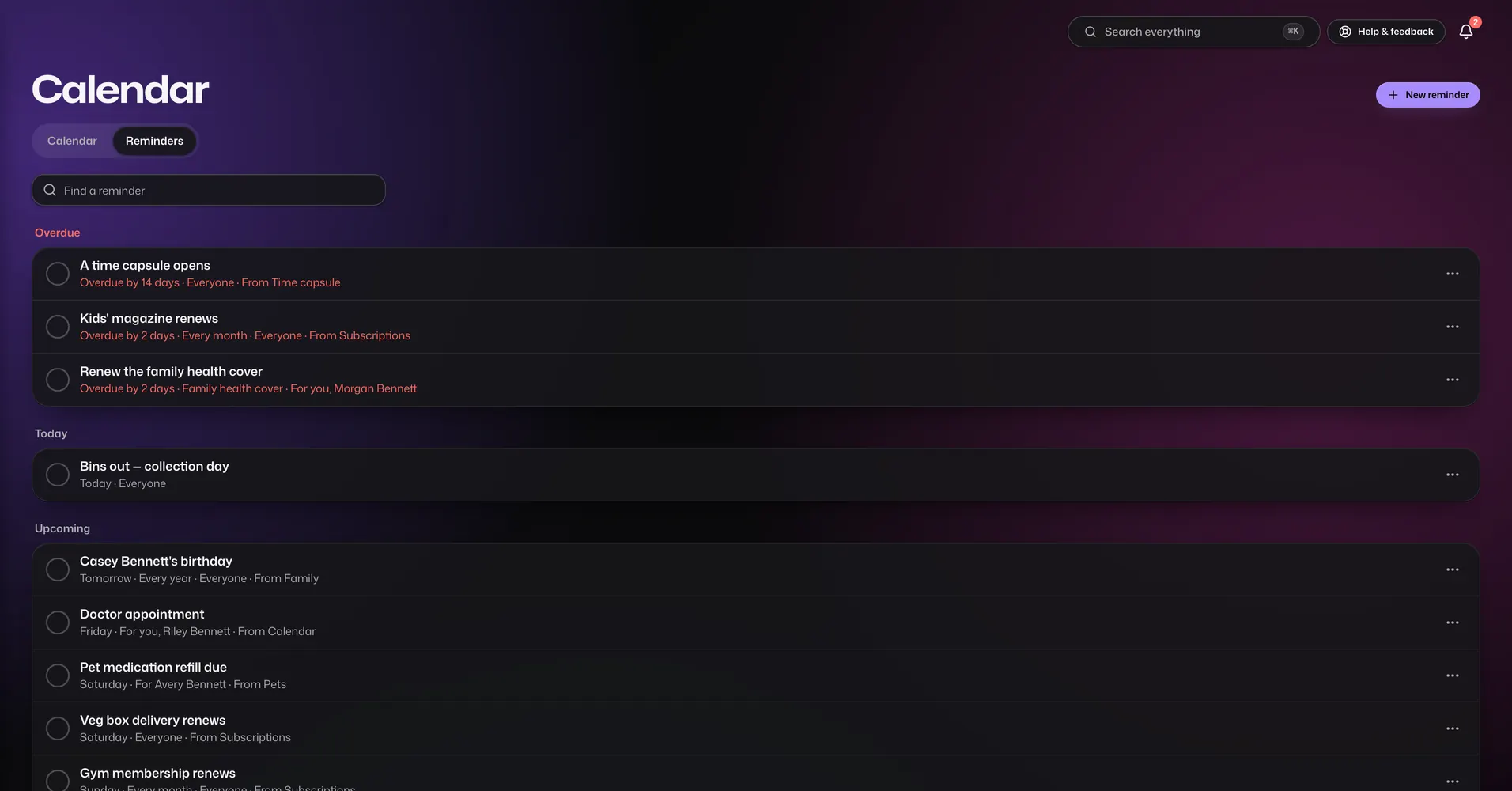
  • Light or dark, twelve colour styles, and your own accent and background colours.
  • Easy reading: bigger text in a typeface made for people with low vision.
  • Your family's name, logo and a short tagline.
  • Use your own photo as the background. It stays on that device.

Help when you need it

  • Try the live demo with a sample family before you sign up.
  • Short guides on this website that you can read without an account.
  • A help box on every page that answers common questions from those guides.
  • Report a problem or suggest an idea from inside the app. Accepted reports earn points.
  • Write to a real person. We reply by email.
  • Refer another family and earn points when they first pay. Points can cover up to half of a renewal.

See what it costs

Three plans, one price for the whole family, in your own currency.