Your whole family. One private vault.
Papers, passwords, dates and money for everyone in your family, in one app you all share. Everything is locked on your own phone or computer before it is saved, so nobody else can read it. Not even us.
- End-to-end encrypted
- No ads, no trackers
- Download everything
Three steps keep it yours
Locked on your phone
Before anything is saved, your phone or computer locks it with a key that only your family's devices have.
We keep only the locked copy
Our servers hold the locked version and nothing else. Anyone who broke in, or any of our staff, would find files nobody can open.
Your family opens it
Your fingerprint or face opens it on the devices you have added. If you lose every device, the Recovery Kit you wrote on paper gets you back in.
Everyone's things, filed under their name
Grandma at home
Health records, pension papers
Sam, working abroad
Passport, visa, rental contract
Riley at university
Enrolment forms, medical letters
Everything a family keeps, in one app
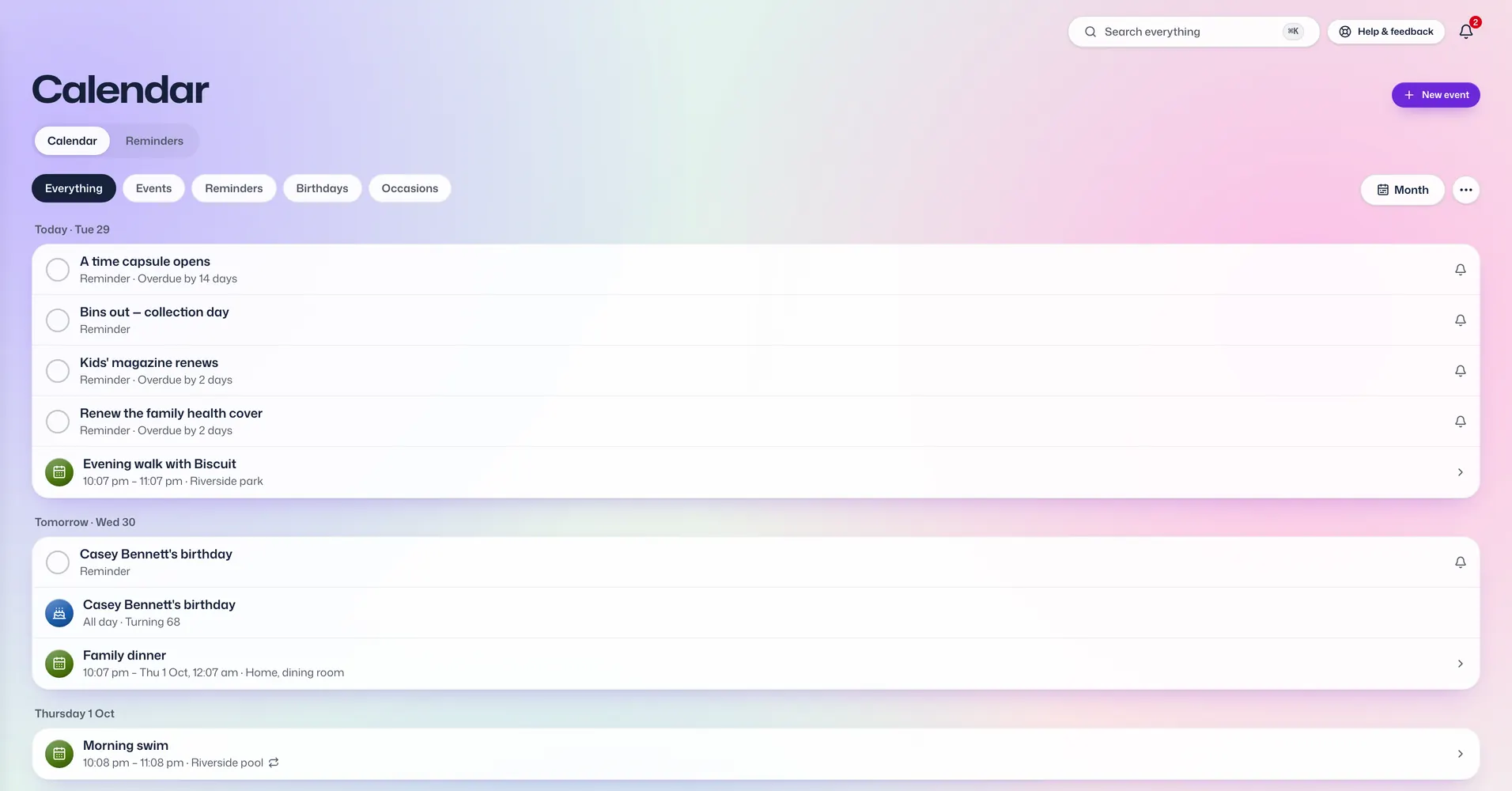
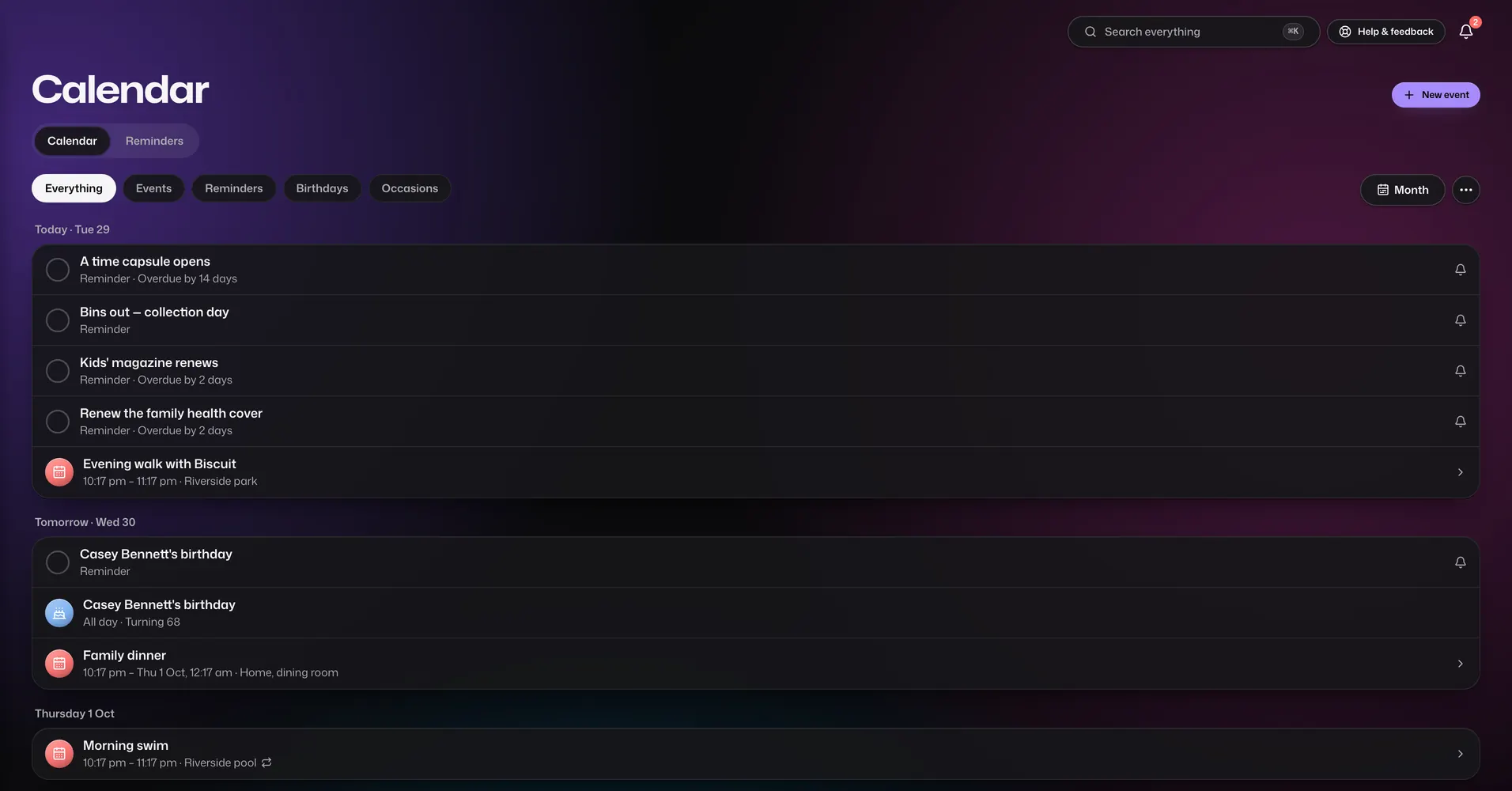
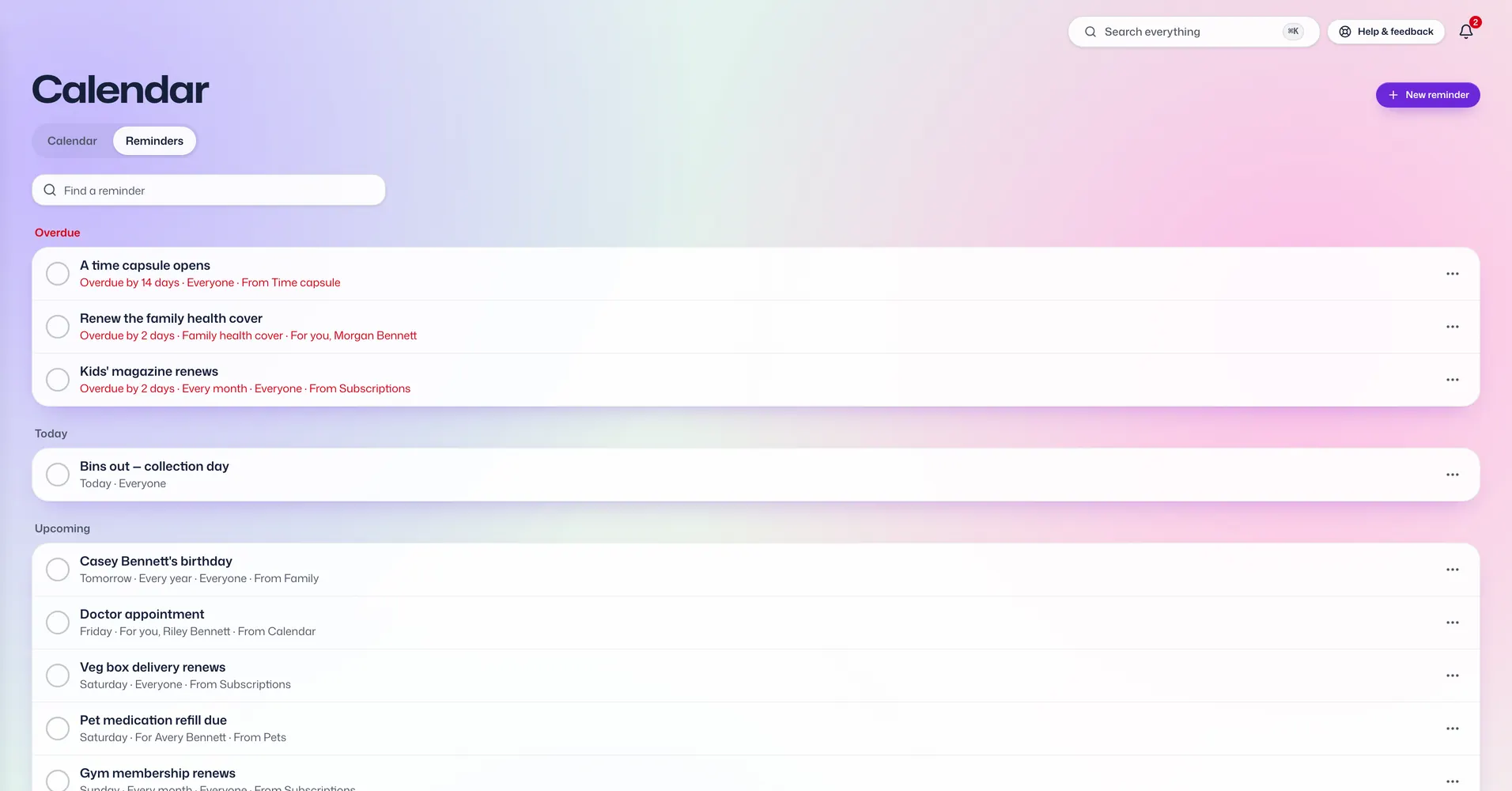
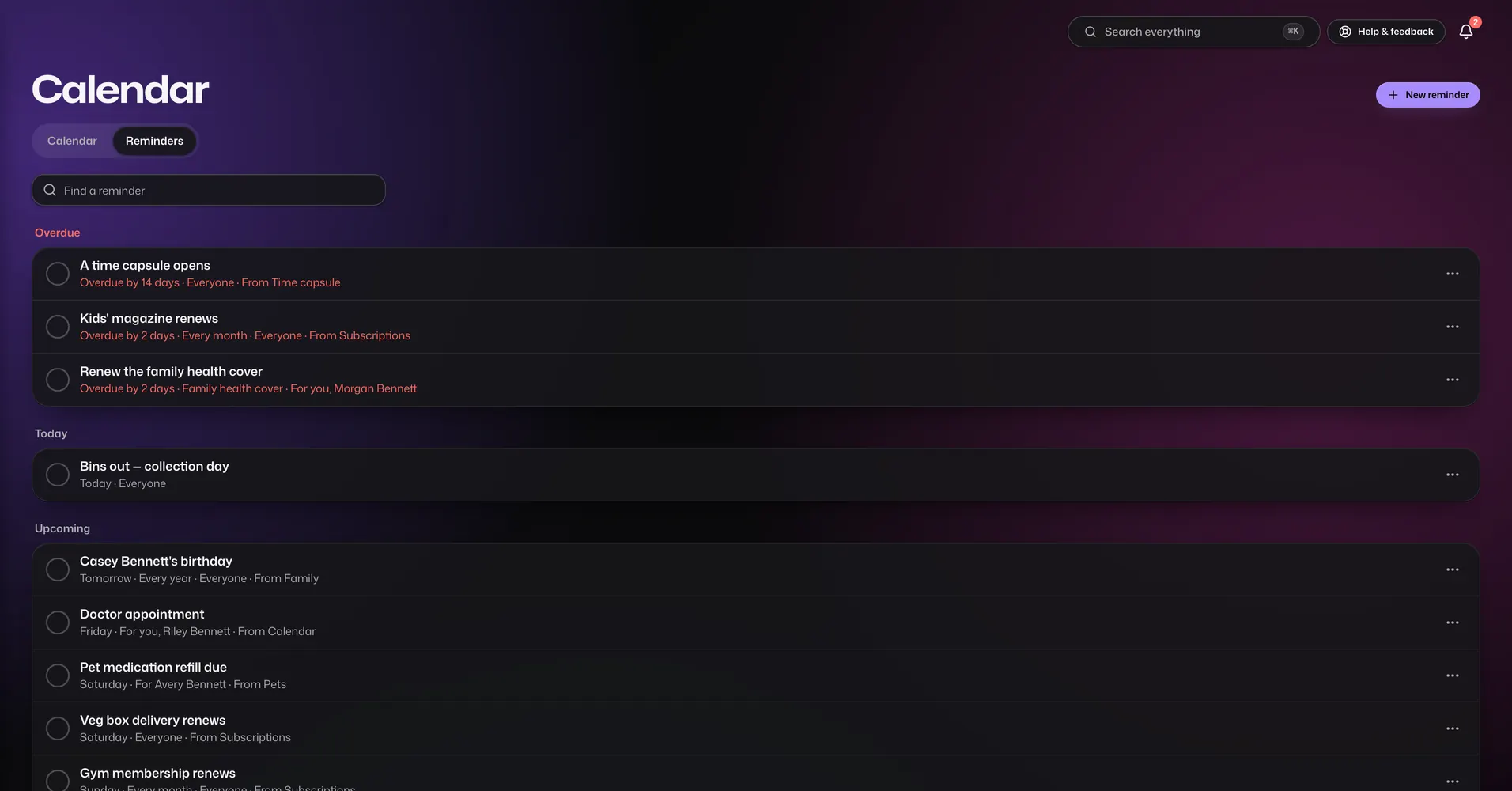
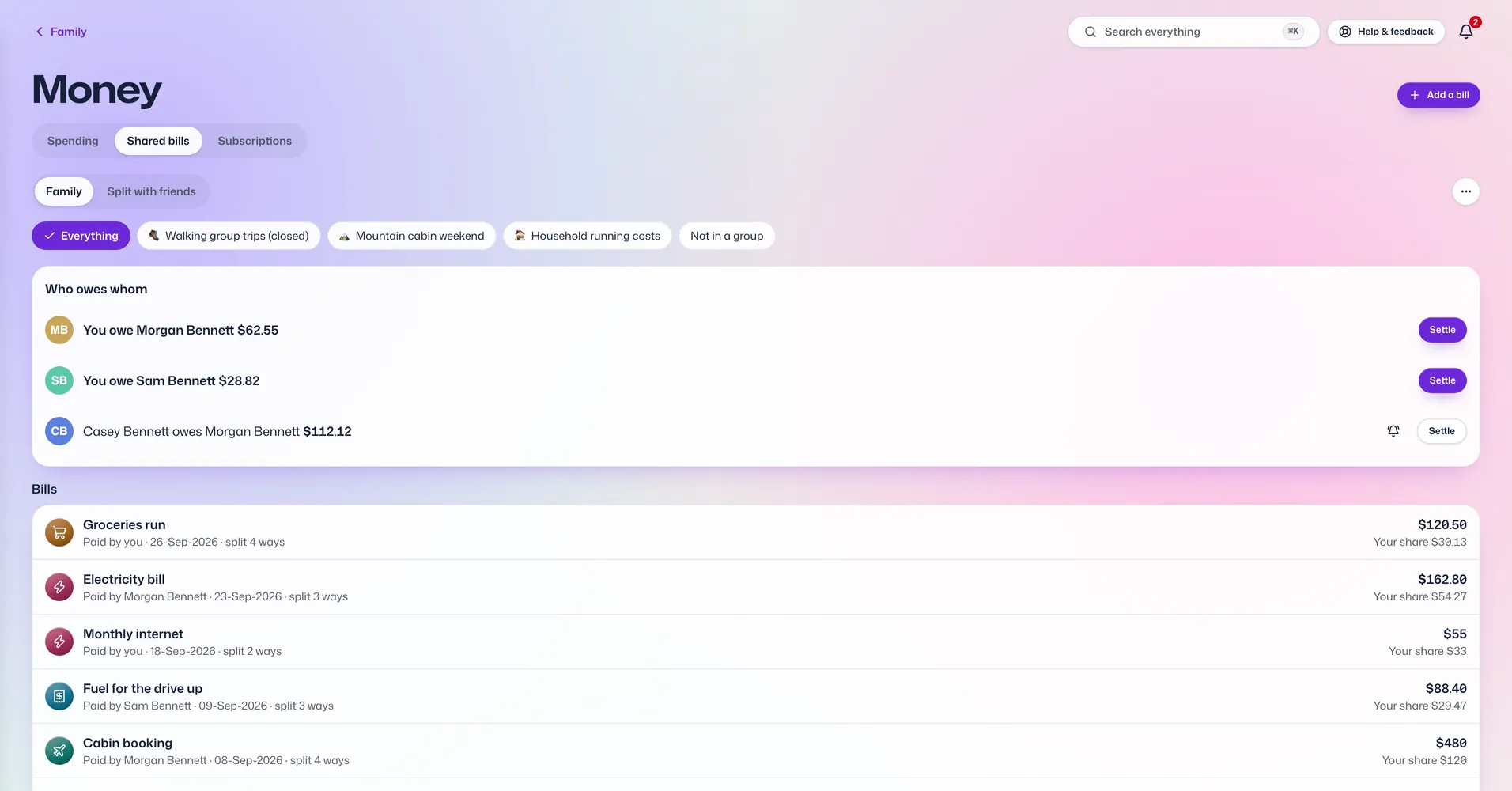
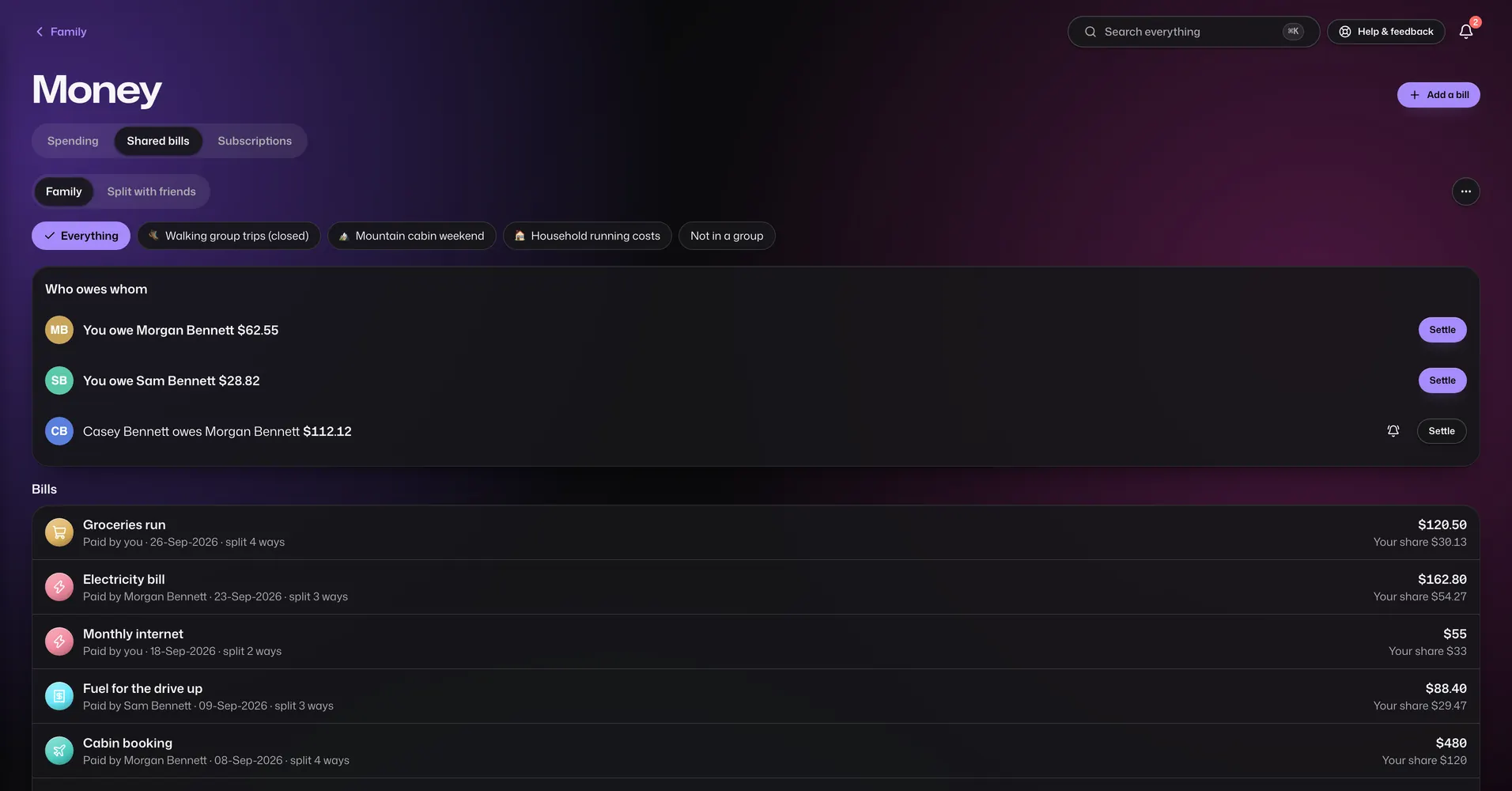
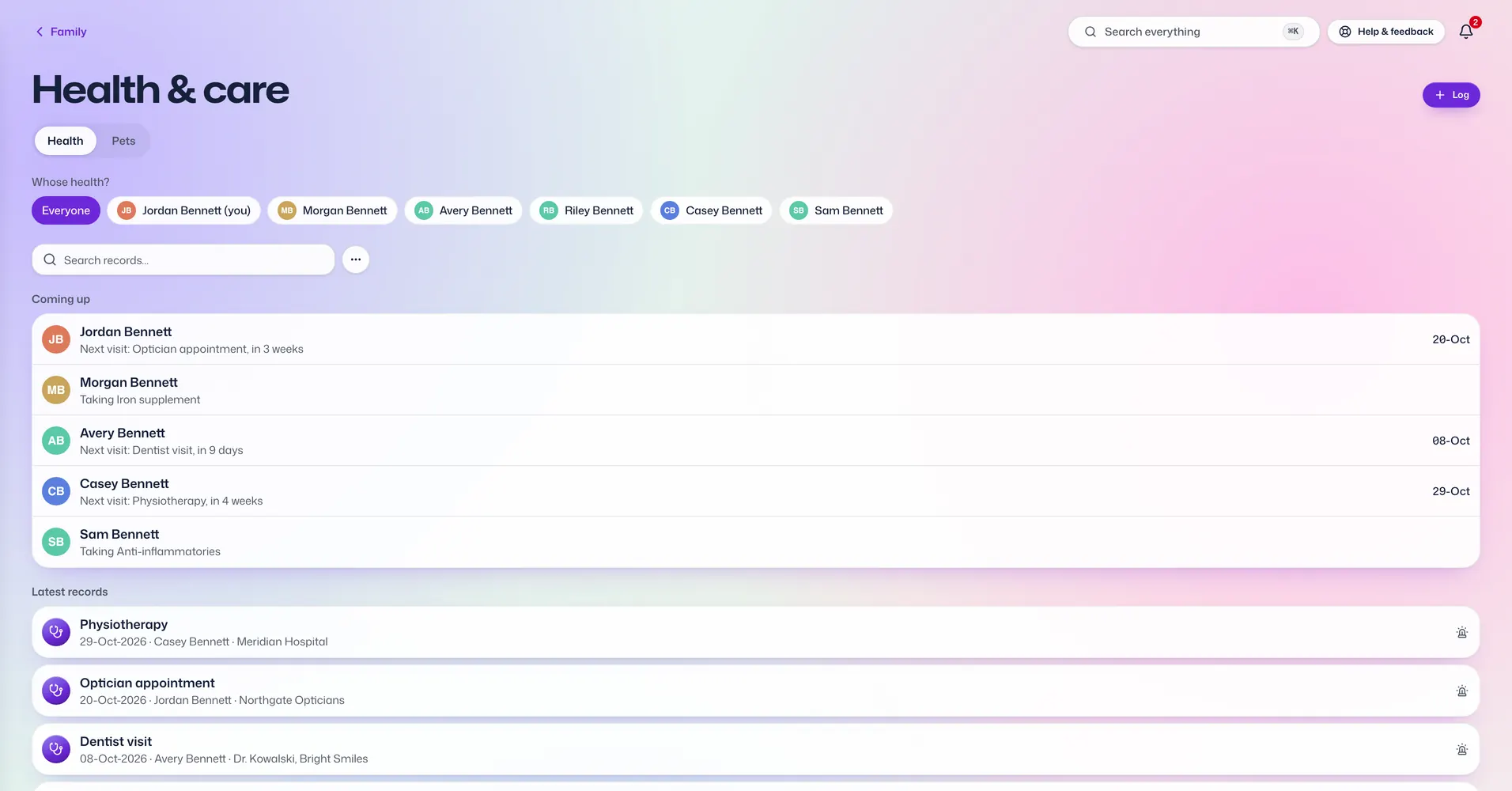
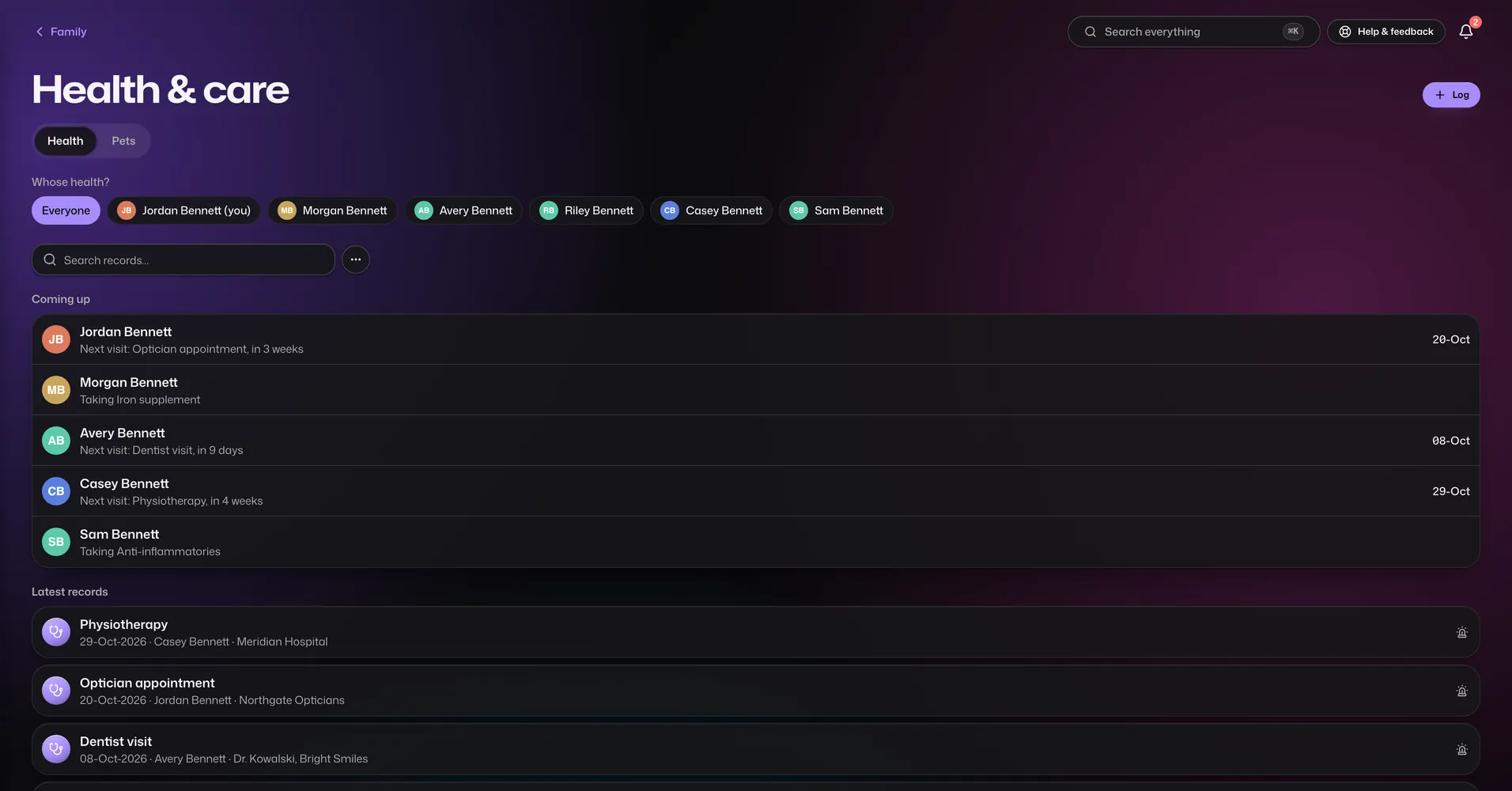
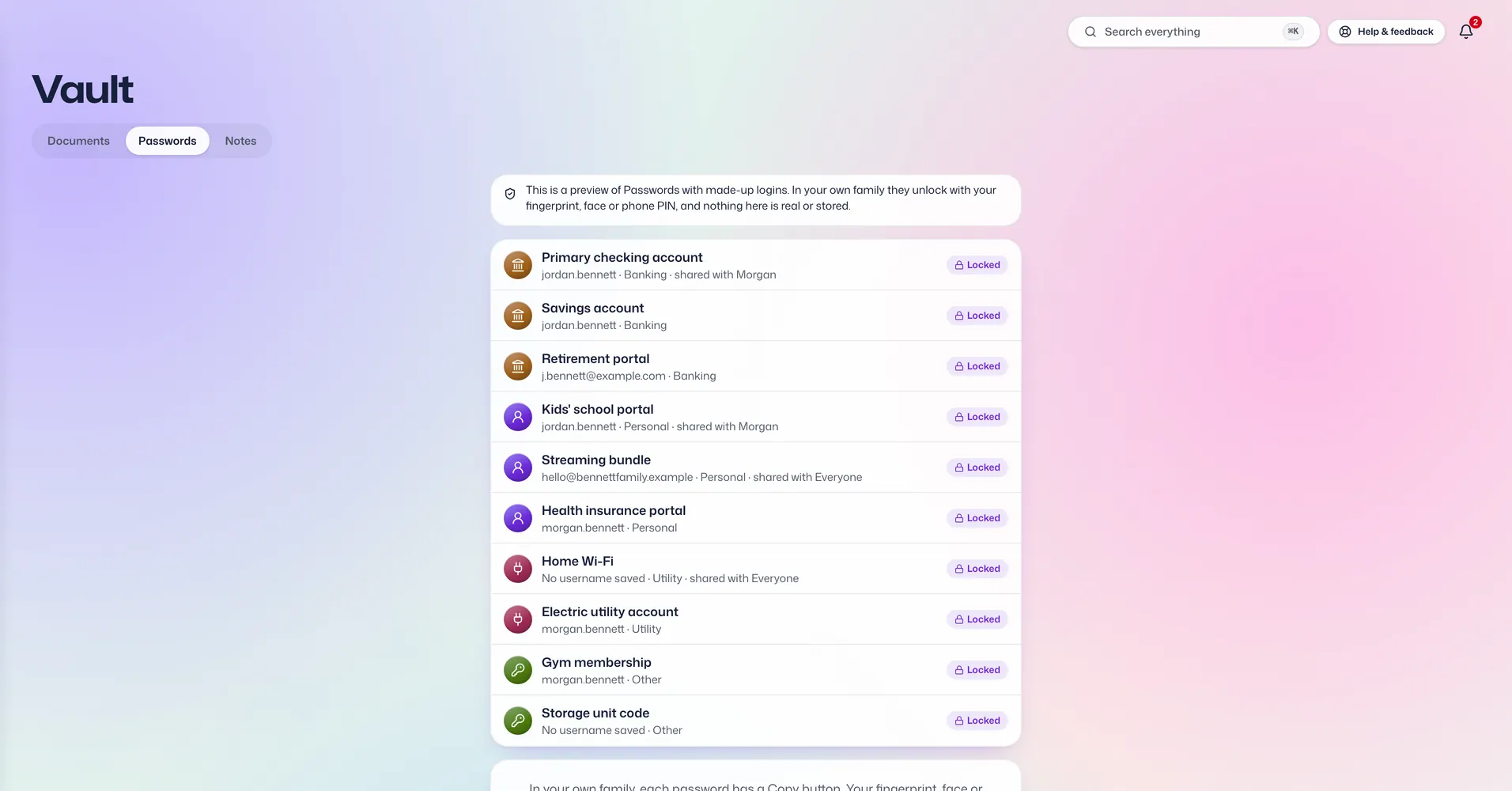
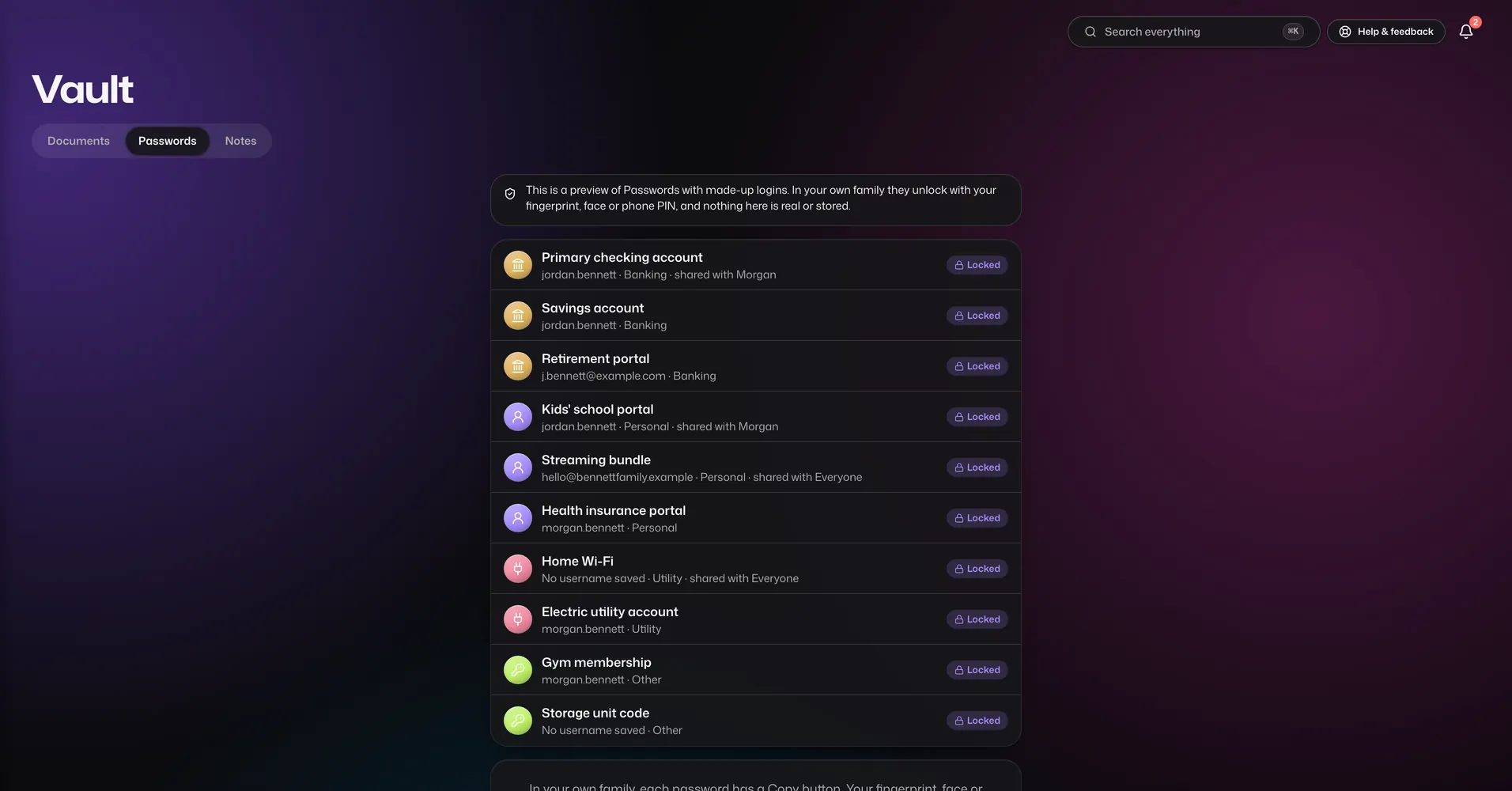
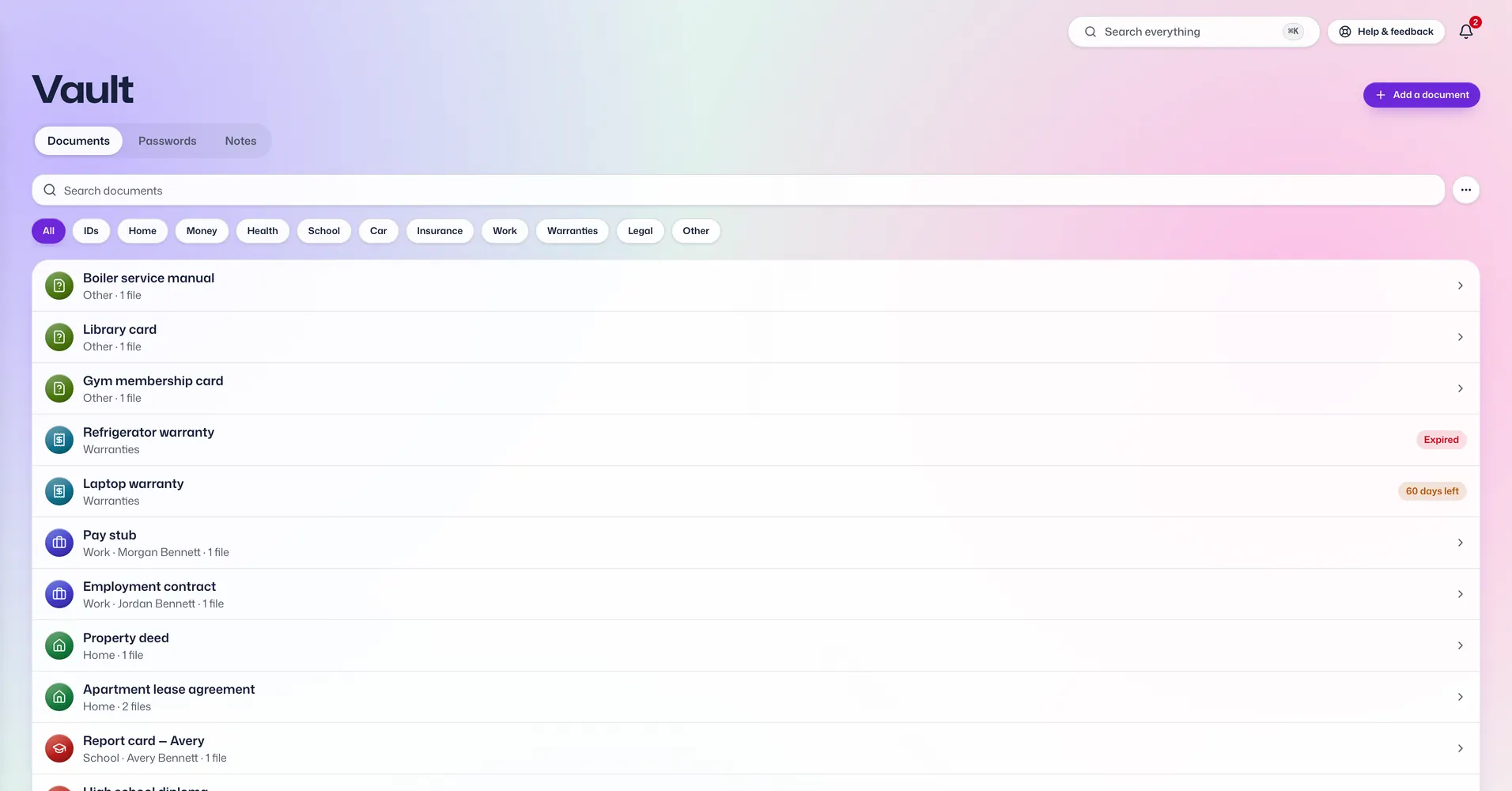
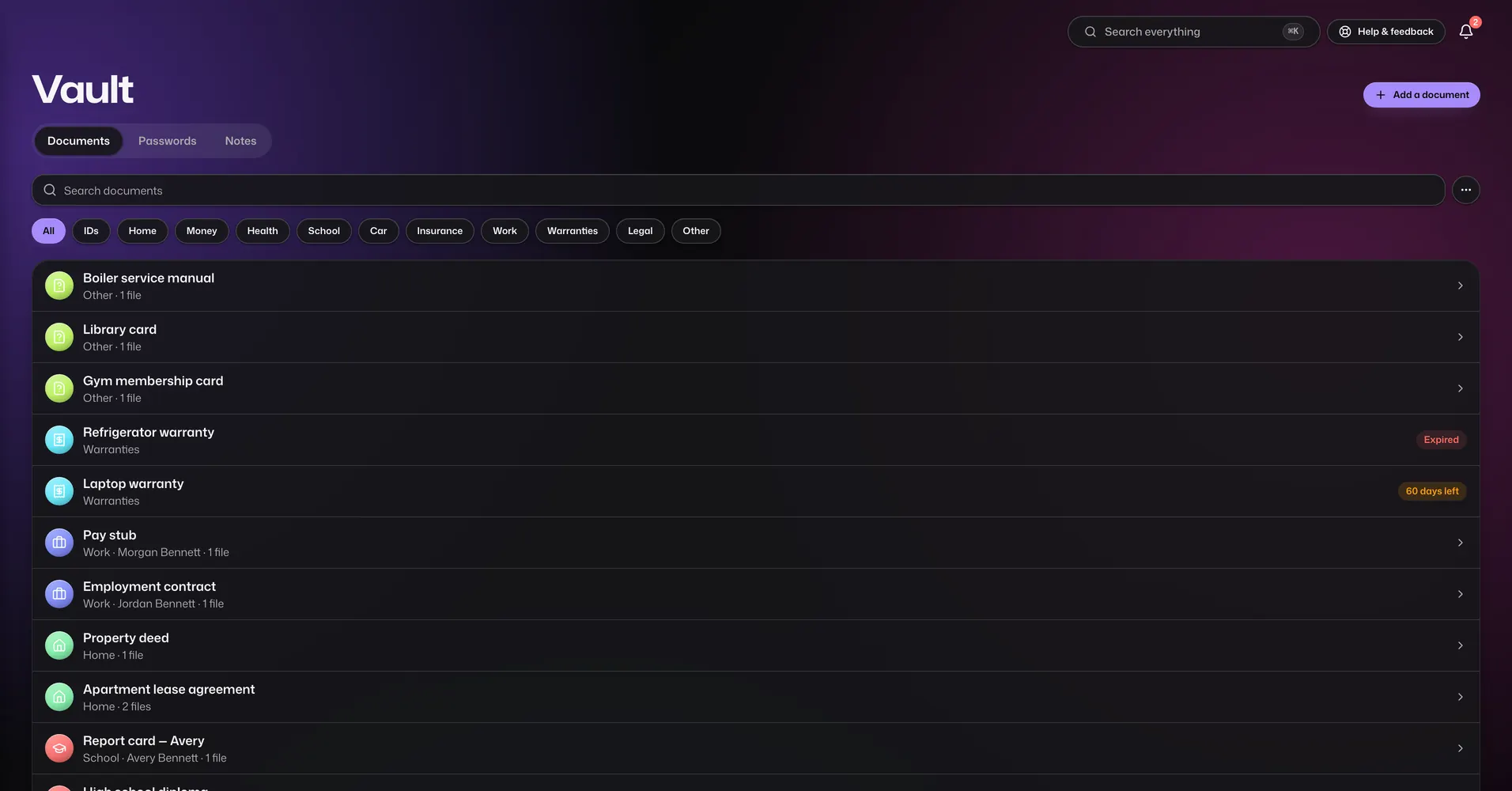
Calendar. The whole family's plans on one calendar, instead of on five different phones.
Easy for every age
For grandparents
Signing in is a fingerprint or face, so there is no password to forget. Easy reading mode makes the text bigger.
For children
Add them with just a first name and keep their records for them. When they are ready, give them a login and choose which apps they see.
For whoever does the paperwork
Renewals and appointments remind the right person, so it isn't all left to you.
For a bad day
Everyone in the family can open the emergency cards: blood groups, allergies, medicines and who to call.
Simple prices for the whole family
Pearl
a month
- Up to 2 members
- 2.5 GB for files and photos
- Unlimited passwords
- 8 of 18 apps
- Bring your own Google Drive
Sapphire
Most populara month
- Up to 4 members
- 5 GB for files and photos
- Unlimited passwords
- 11 of 18 apps
- Bring your own Google Drive
Diamond
a month
- Up to 8 members
- 10 GB for files and photos
- Unlimited passwords
- All 18 apps
- Bring your own Google Drive
Monthly and yearly plans start with a 7-day free trial, once per family. Cancel before it ends and you won't be charged.
Compare plans and yearly pricesQuestions families ask
Can you read what we store?
No. Your documents, passwords and notes are locked on your own phone or computer before they reach us, and we never have the key. We can see account details such as your plan, how much storage you use, and the titles and dates that make search and reminders work. The full list is on our Security page.
What if I lose my phone?
Sign in on another phone or computer you have added and remove the lost one. If every device is gone, the Recovery Kit you wrote on paper gets you back in after a 48-hour safety wait, or straight away if someone in your family approves it.
Is this a password manager?
It keeps your family's bank and website logins, but that is one app out of 18. It also holds documents with their expiry dates, the family calendar, reminders, health records, shared bills and more. It does not fill in passwords for you on other websites, and there is no browser extension.
Can my parents use it on their phone?
Yes. It works in any phone's web browser and can be added to the home screen like an app, and there is an Android app on Google Play. Each person signs in with their fingerprint, face or phone PIN, the same way they unlock their phone, and easy reading mode makes the text bigger.
Do children need their own login?
No. You can add anyone with just a first name and keep their documents, health records and emergency card for them. When they are ready, send them an invite and choose which apps they can see. Everyone you add counts towards your plan's member limit.
What happens if we stop paying?
Nothing is deleted straight away. Reading and downloading everything you stored keeps working, new changes pause, and we warn you well before anything is removed. Renewing at any point puts everything back as it was.
Which countries and currencies do you support?
Families pay in rupees, euros, pounds, or US, Australian, Canadian or Singapore dollars. The country you pick at signup sets your currency. Relatives who live in other countries join the same family, up to your plan's number of members.
Do I need a card for the free trial?
Yes. At the end of signup you add a payment method on our payment partner's own page. On monthly and yearly plans nothing is charged during the 7-day trial, and if you cancel before it ends you pay nothing. Two- and three-year plans are paid upfront.